QUEST* Health Ledger is a beautifully designed application to help you monitor and manage your health by tracking and logging fasting periods, archiving food intake, and recording weight entries.

It has both a light and dark theme and you can select a color personality for a personal touch.

Whether your goal is to gain or lose weight, we have created a simple solution for tracking and monitoring on your health quest.


#
# #

Fasting Ledger Features

# #

Timer

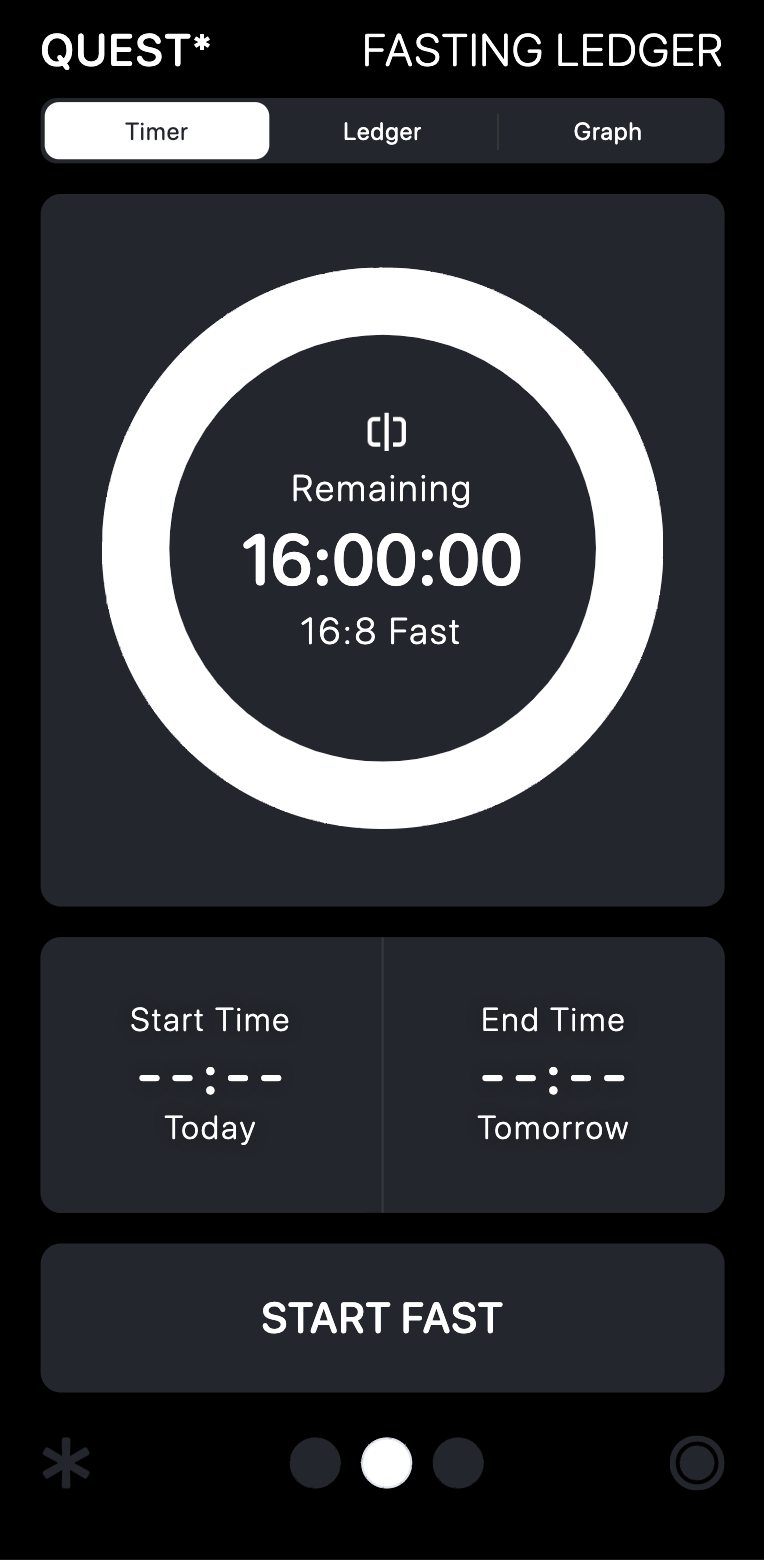
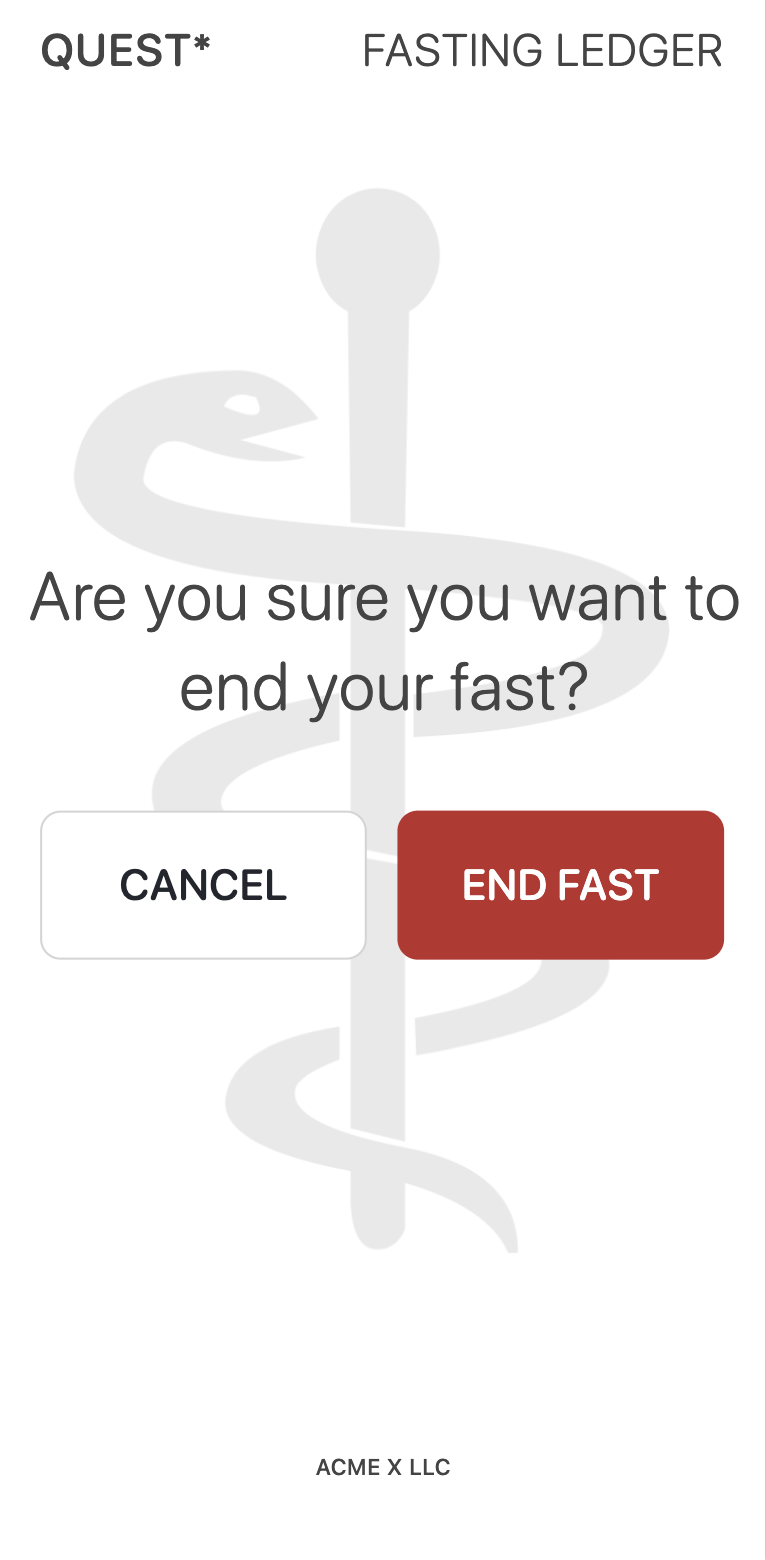
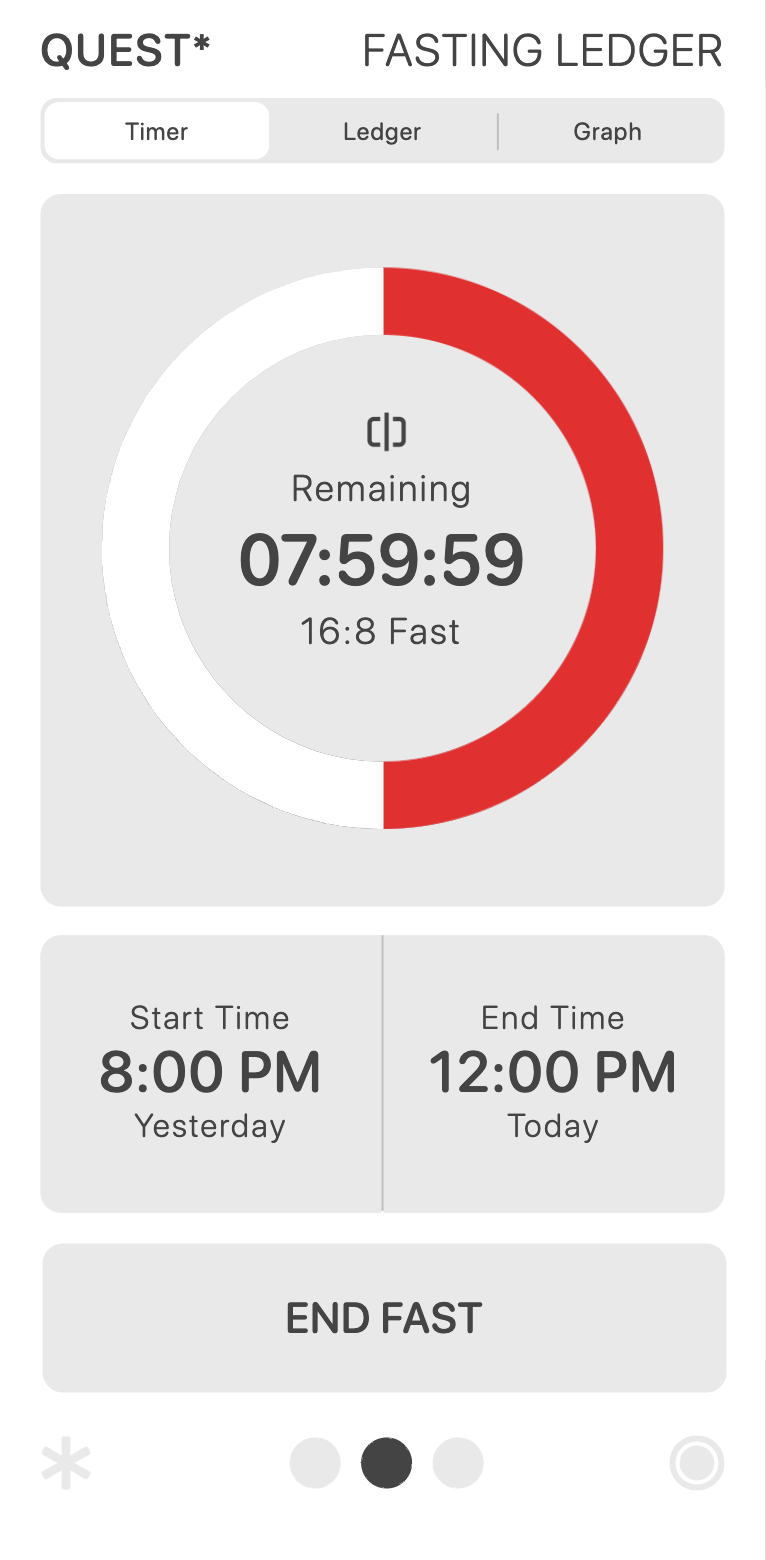
Initiate and monitor your fasting periods with ease. Start a new fasting session by tapping the "Start Fasting" button. The app will display an active timer, allowing you to track the duration of your fast. To end the fasting period, simply tap the "End Fasting" button.
You can view the time of fast either by its Elapsed time or time Remaining by clicking the icon inside the Timer.

# # # #

Graph

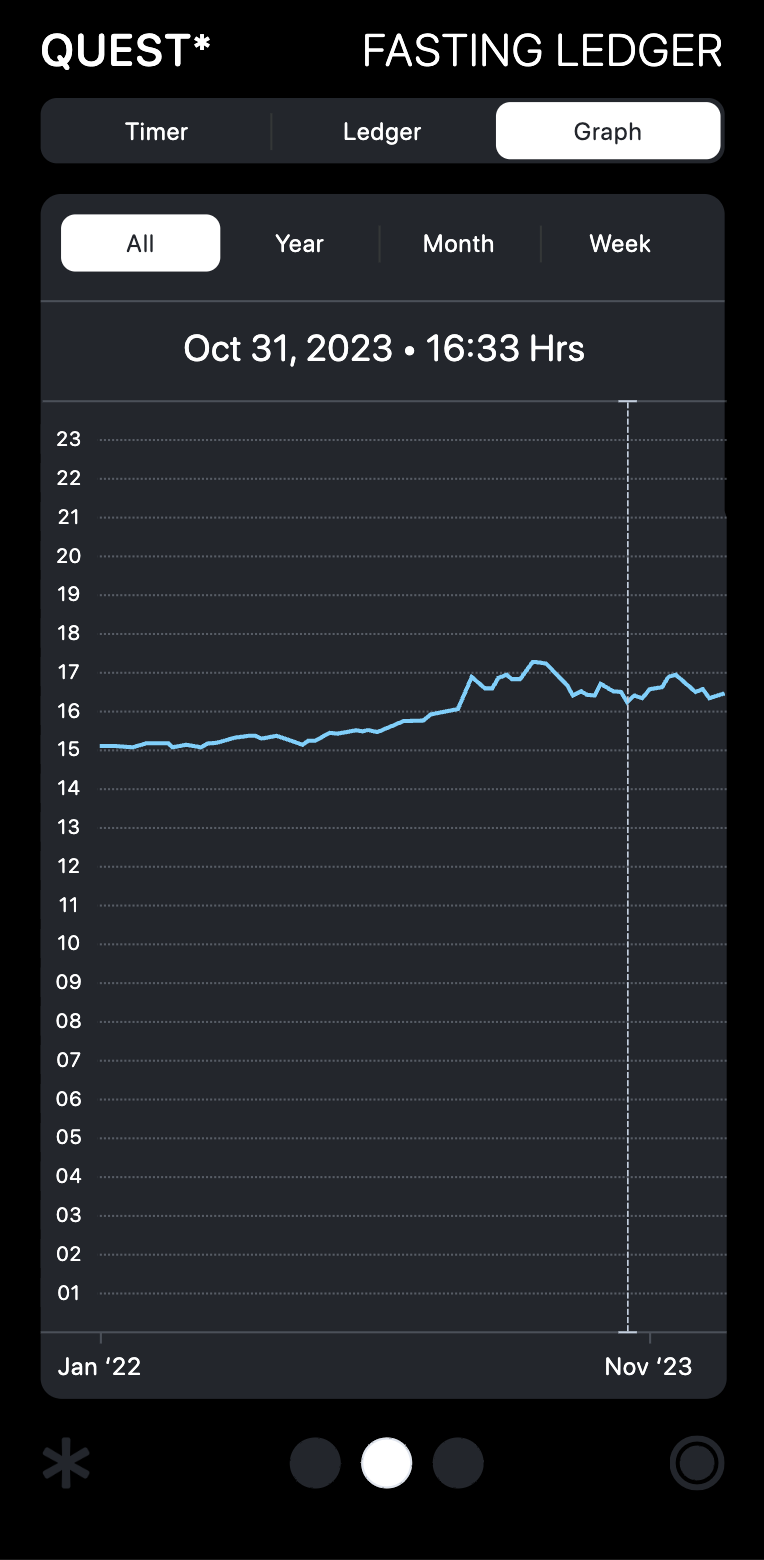
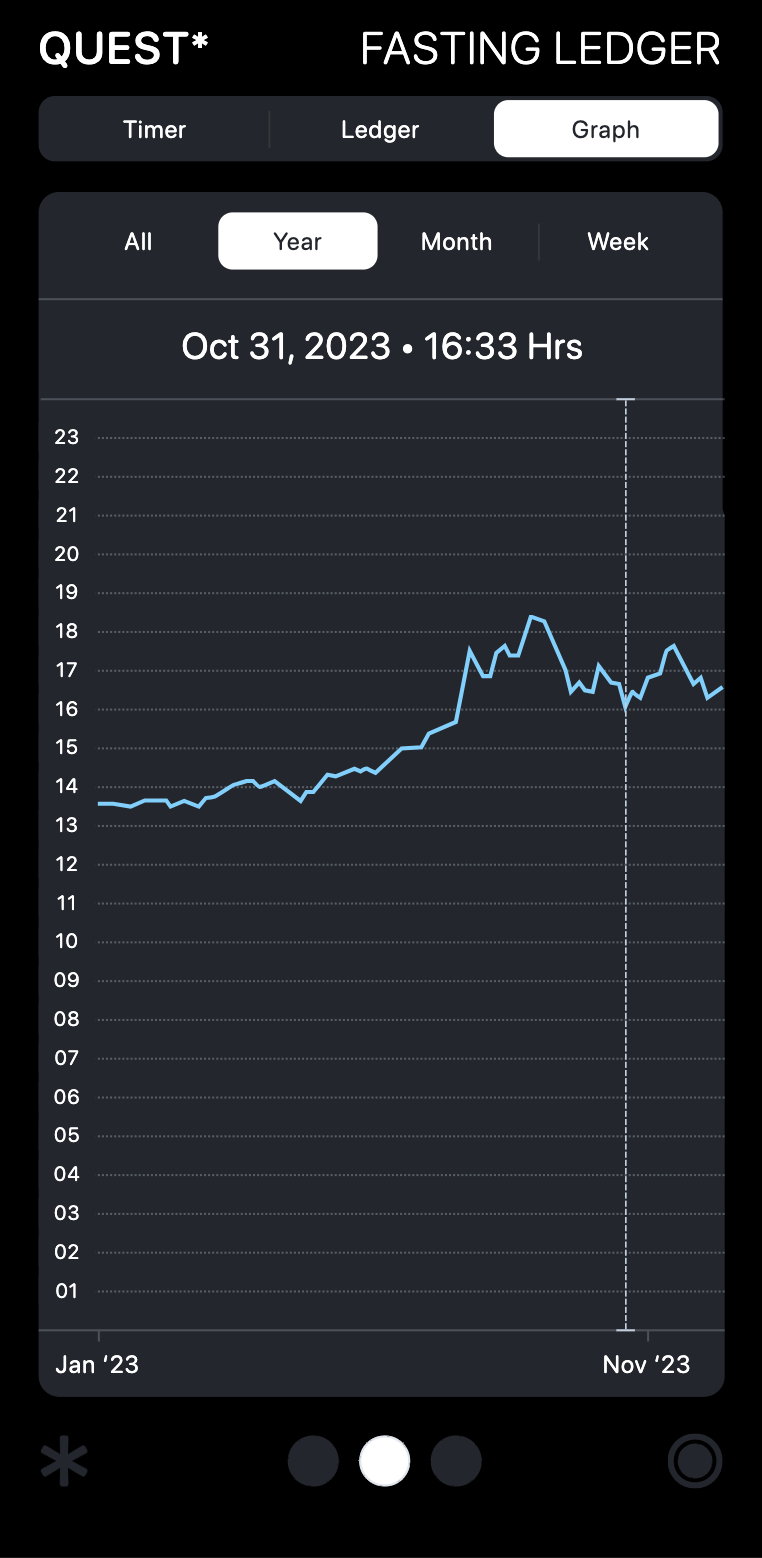
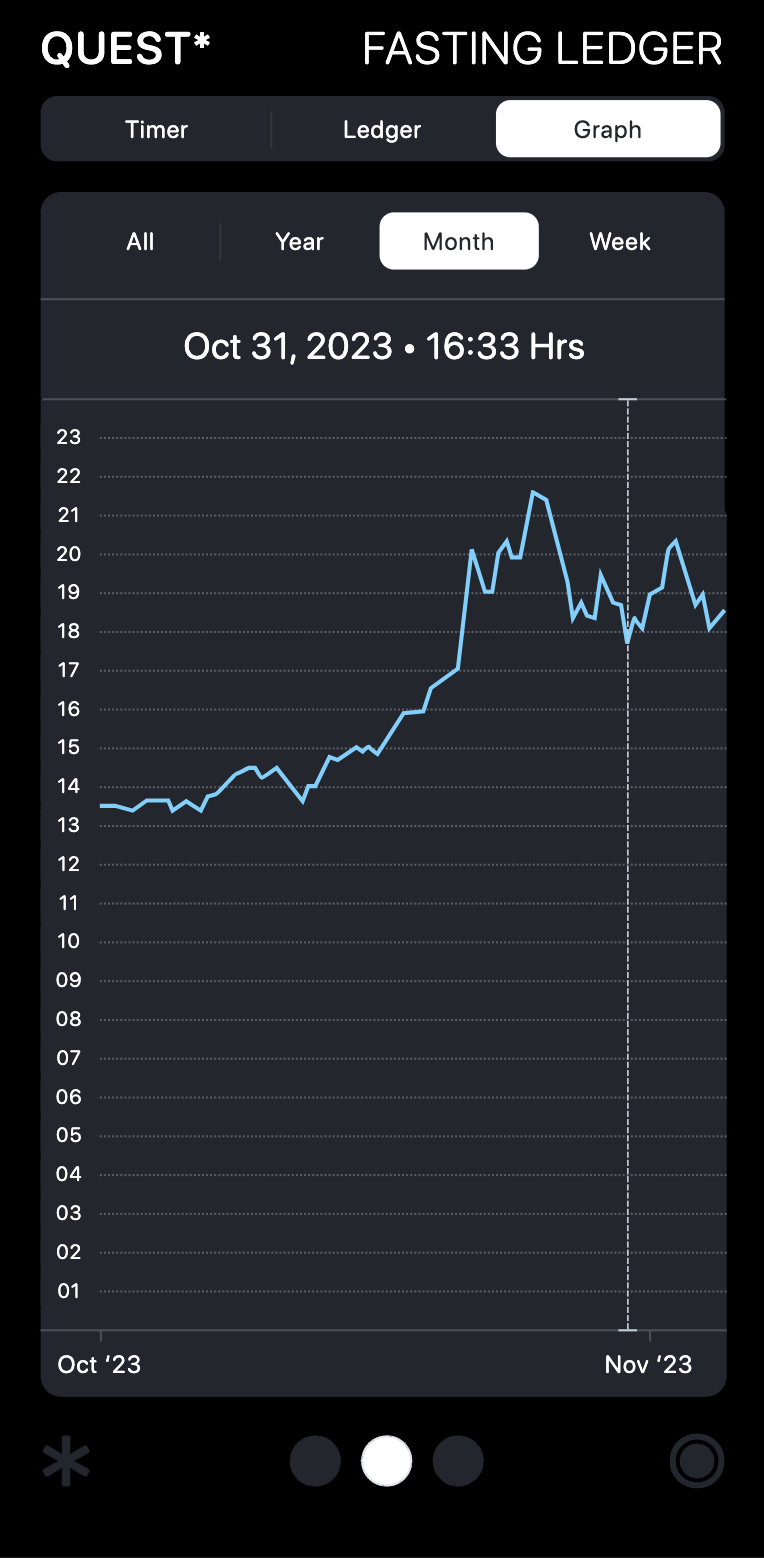
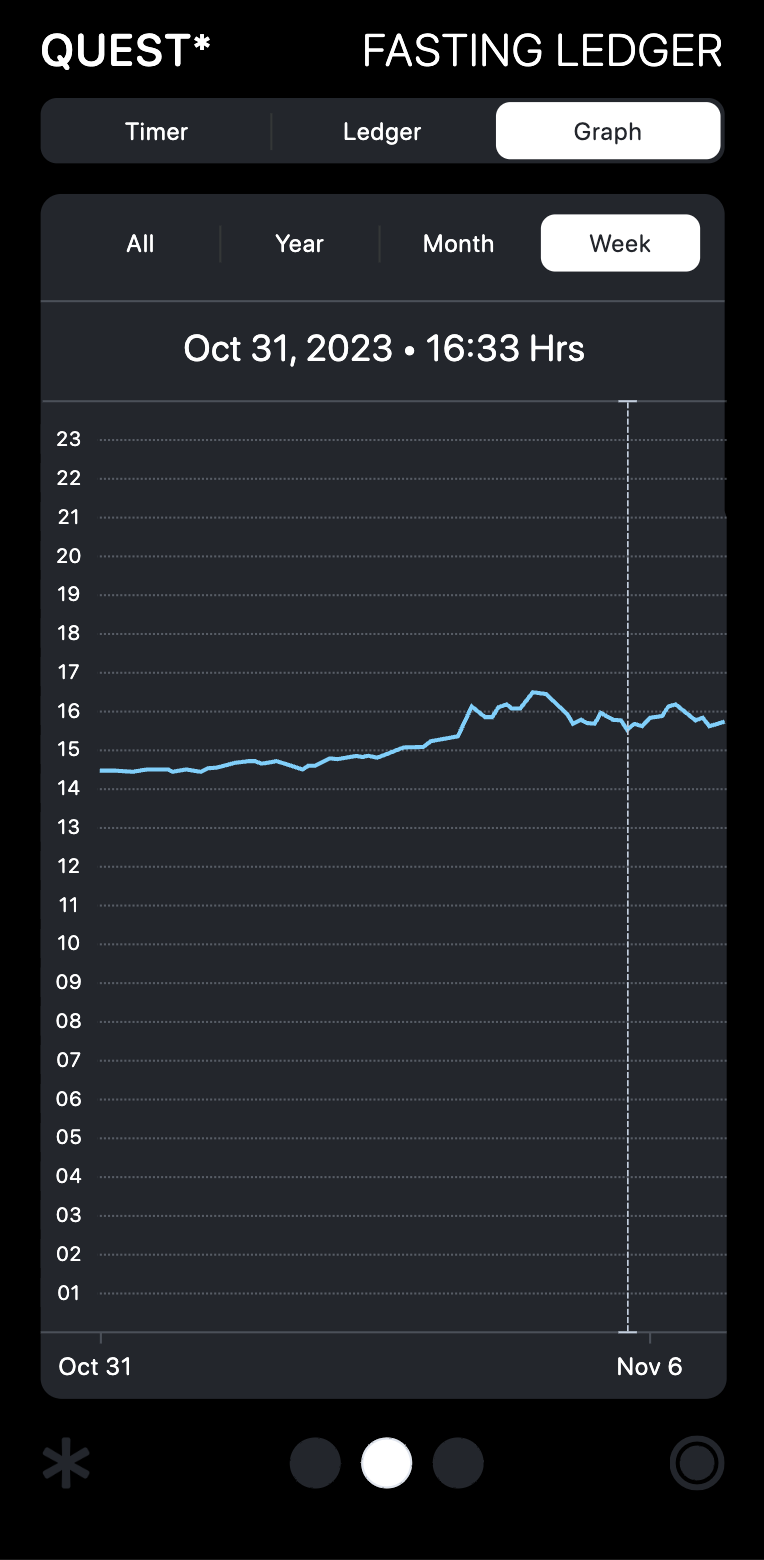
You can see all your fasts measured on a graph over a Year, Month, Week, or All entries.

Dragging the vertical dotted line will give you readouts along the archived data.

# # # #

Ledger

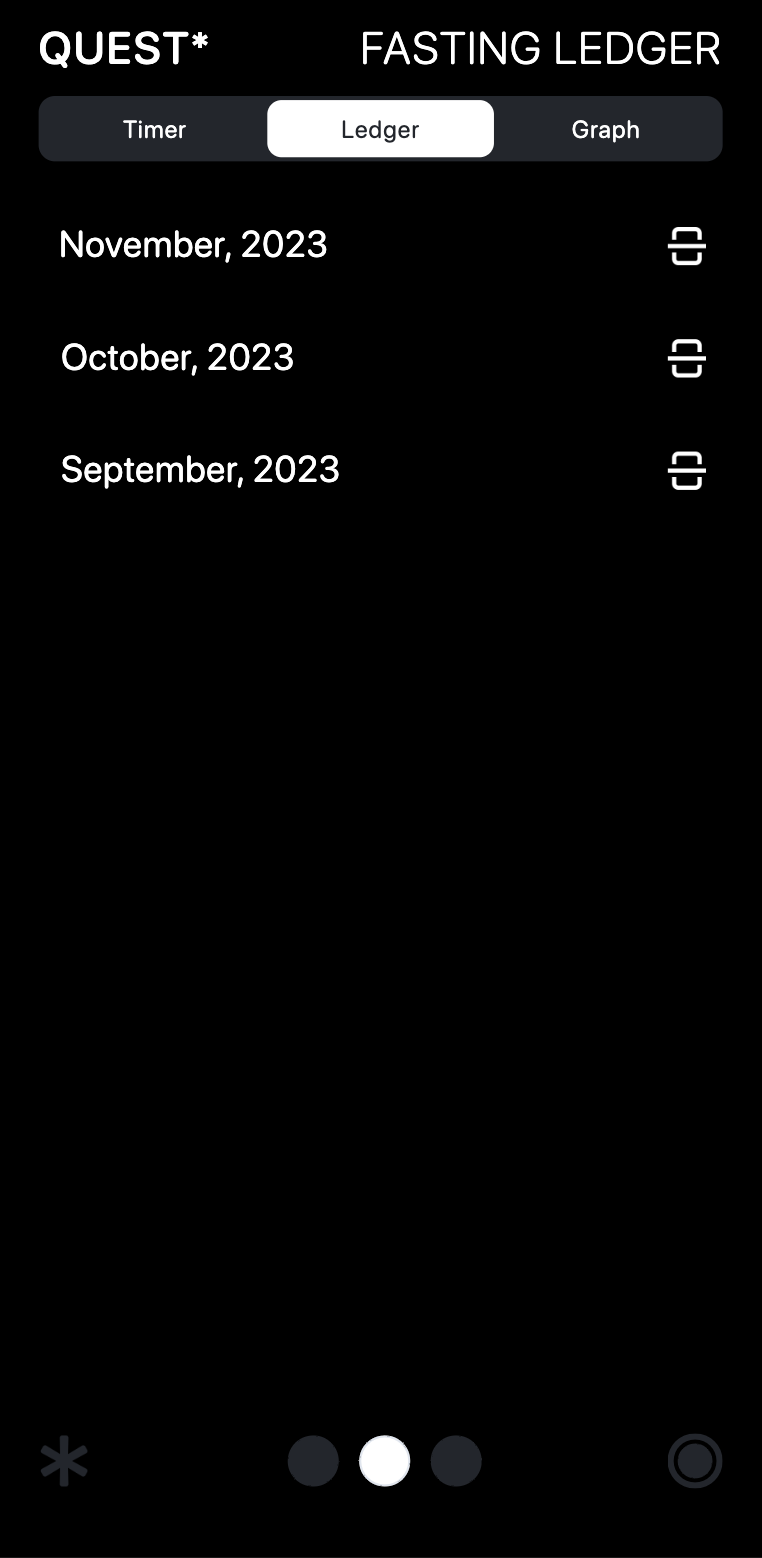
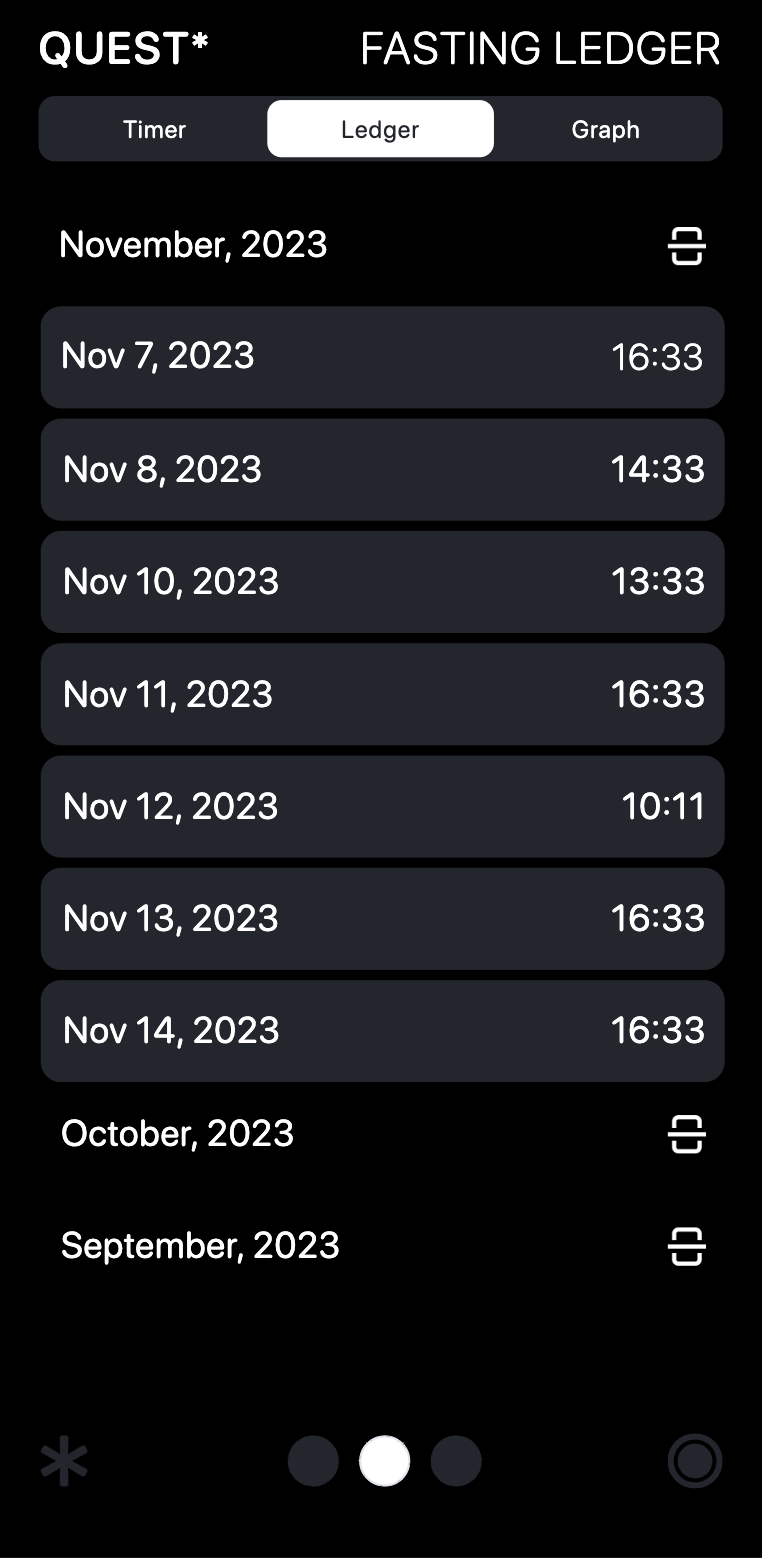
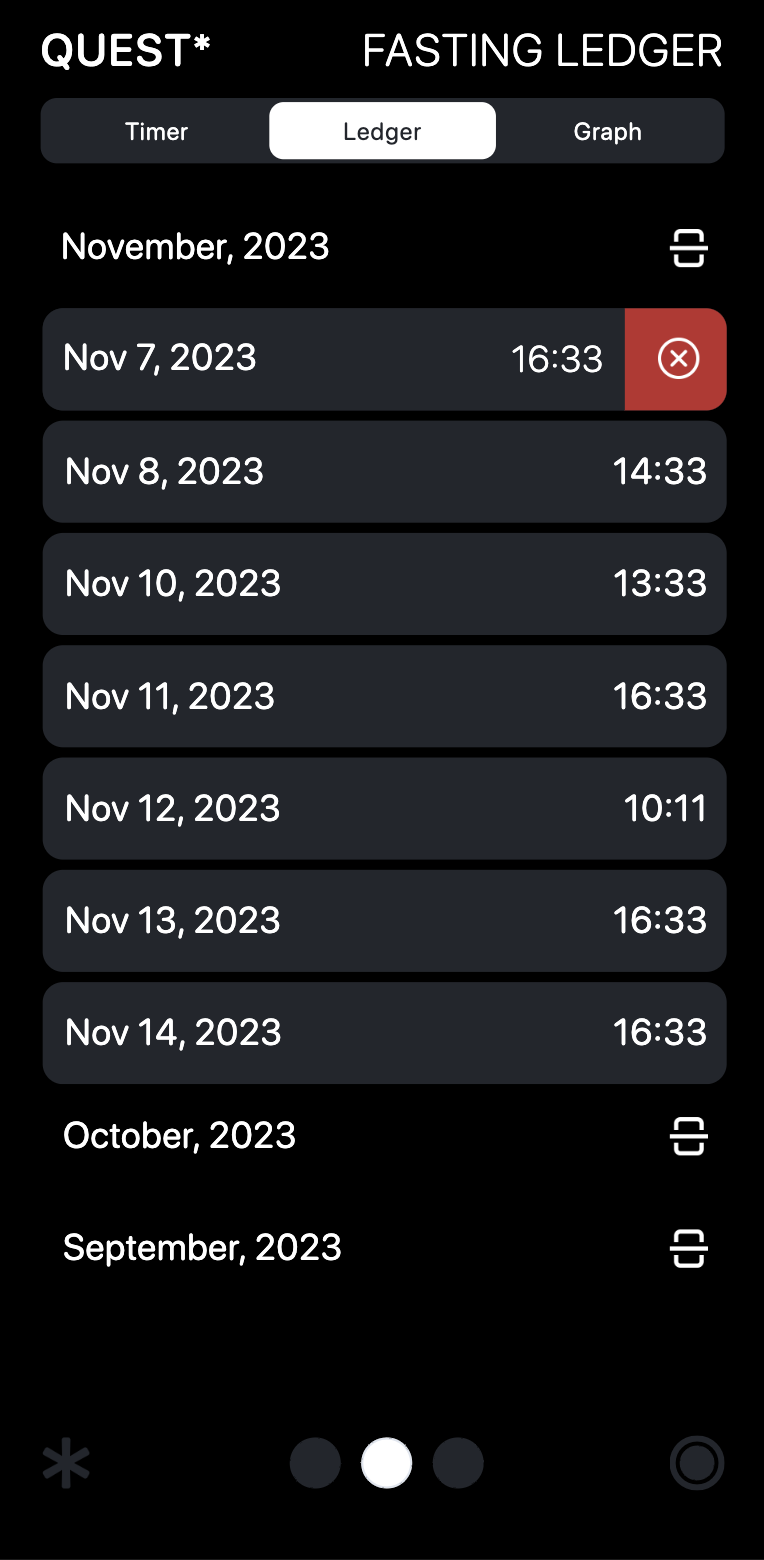
The Fasting Ledger contains an archive of all fasts. They are recorded into dropdown months.

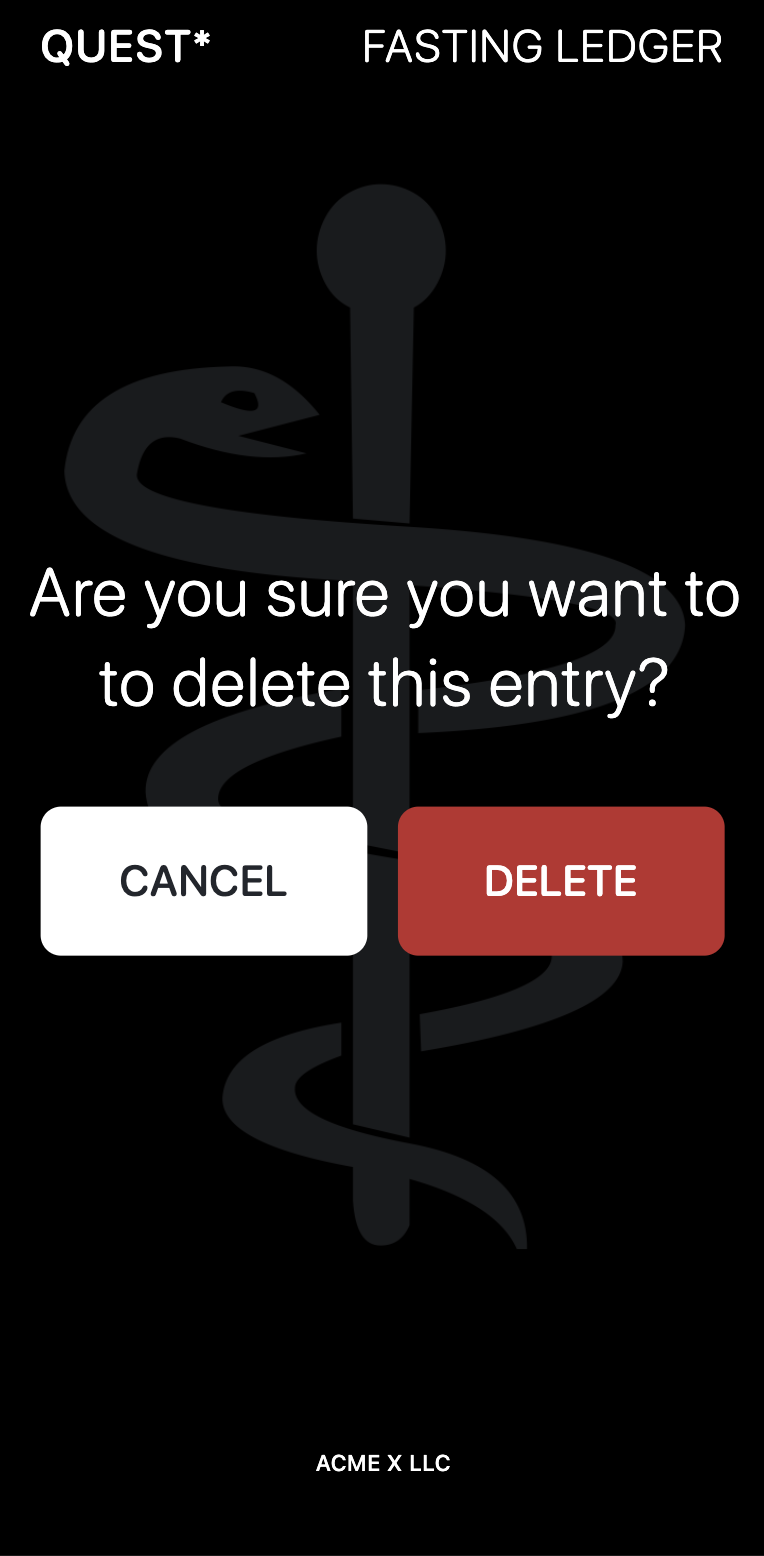
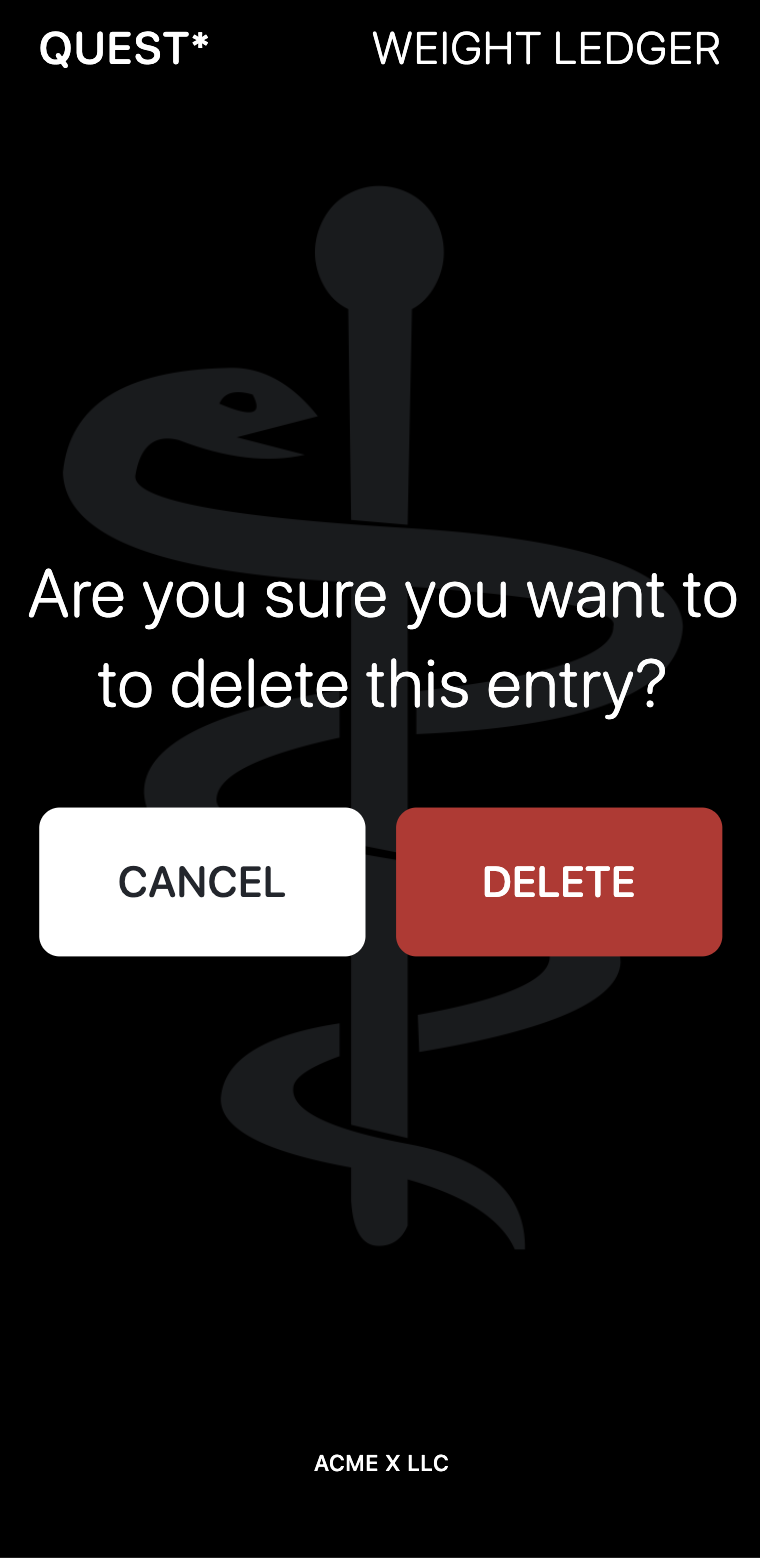
You can delete any single entry by slidding left on that entry to bring up the deletion confirmation window.

# #

Plans

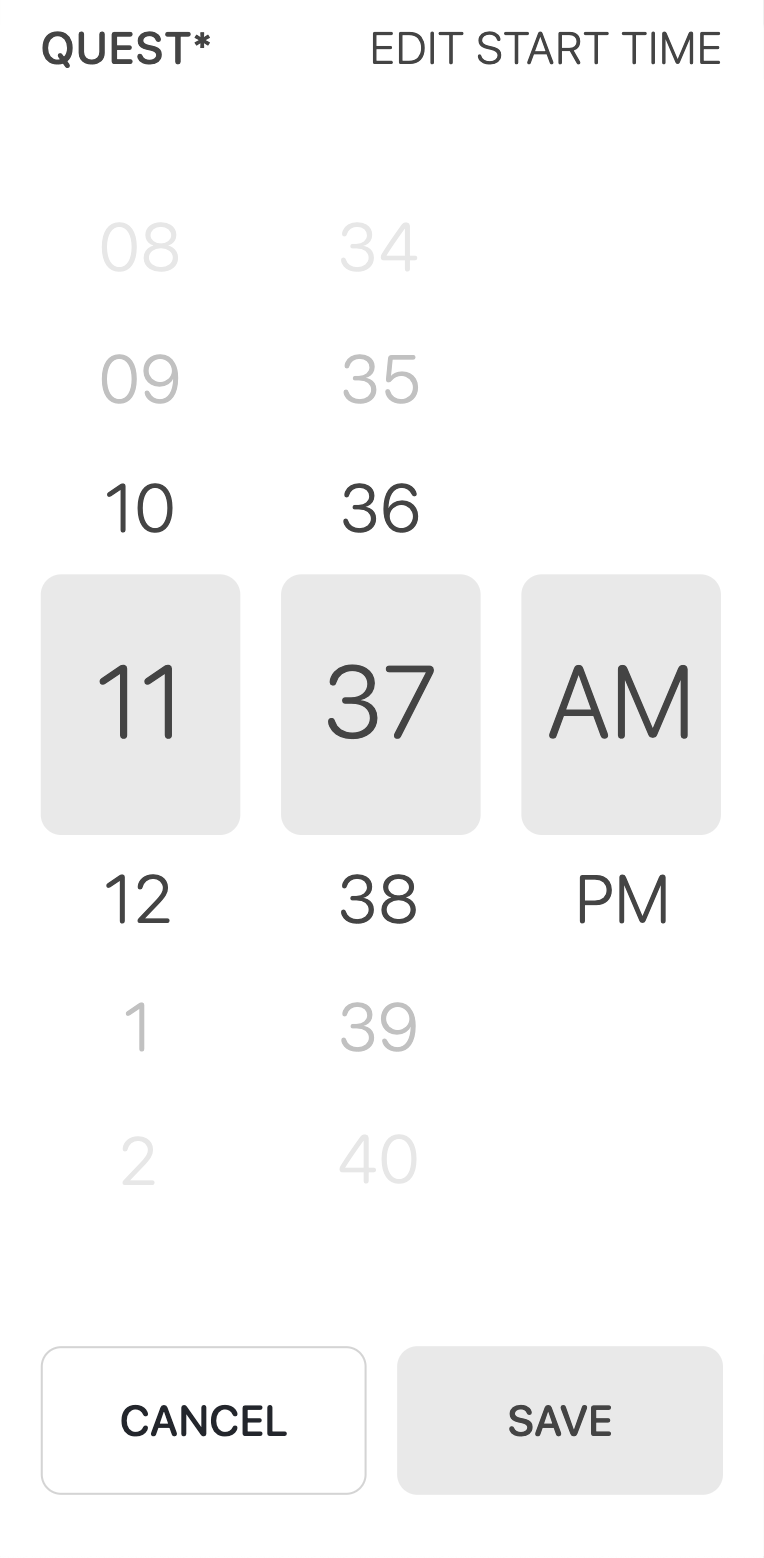
You can edit the Start Time and End Time of a fast by clicking in those windows below the timer.

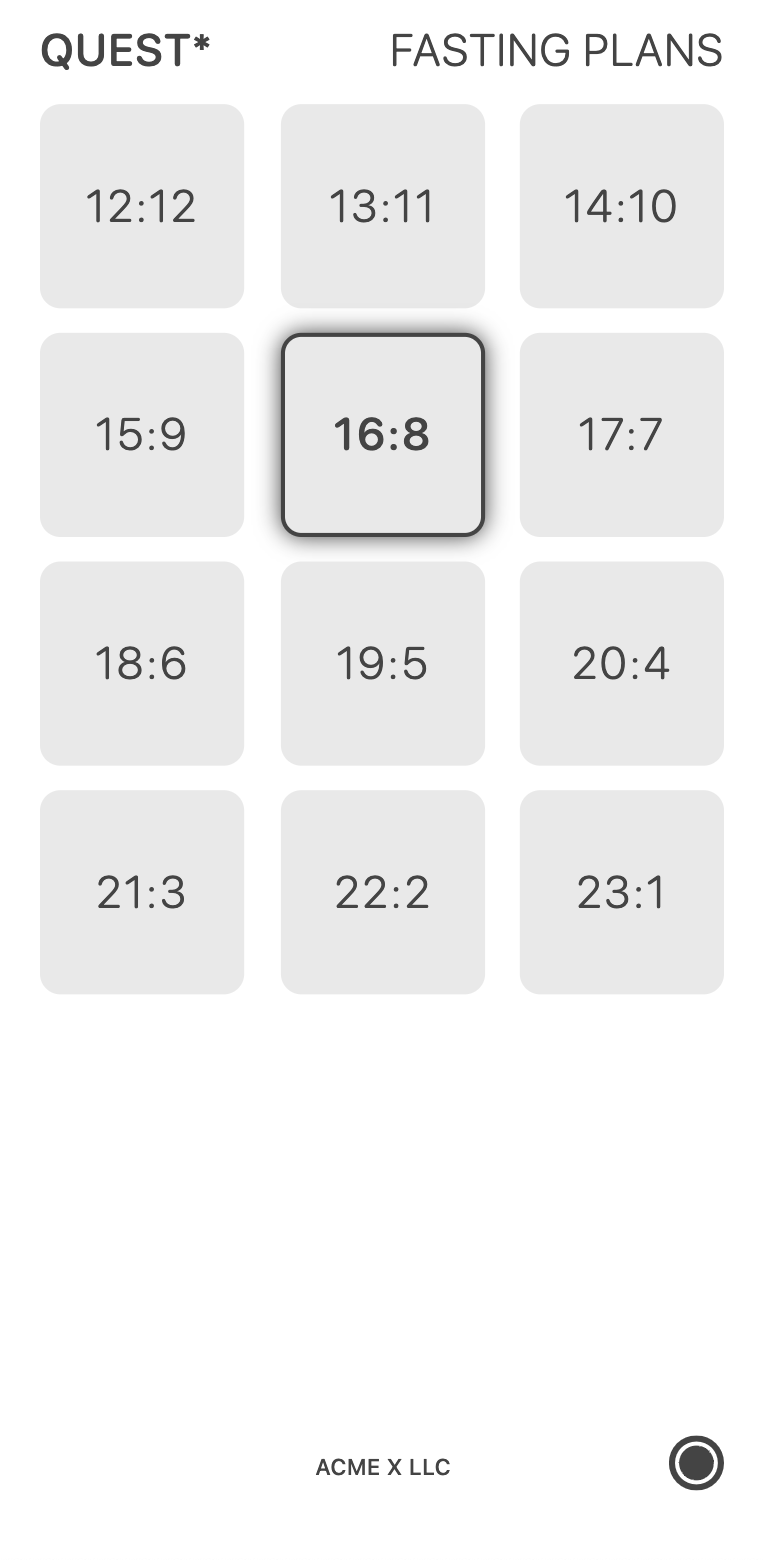
Or click the button in the lower right of the bottom navigation bar to bring up the preset Fasting Plan.

Food Ledger Features

# #

Daily Calories Remaining

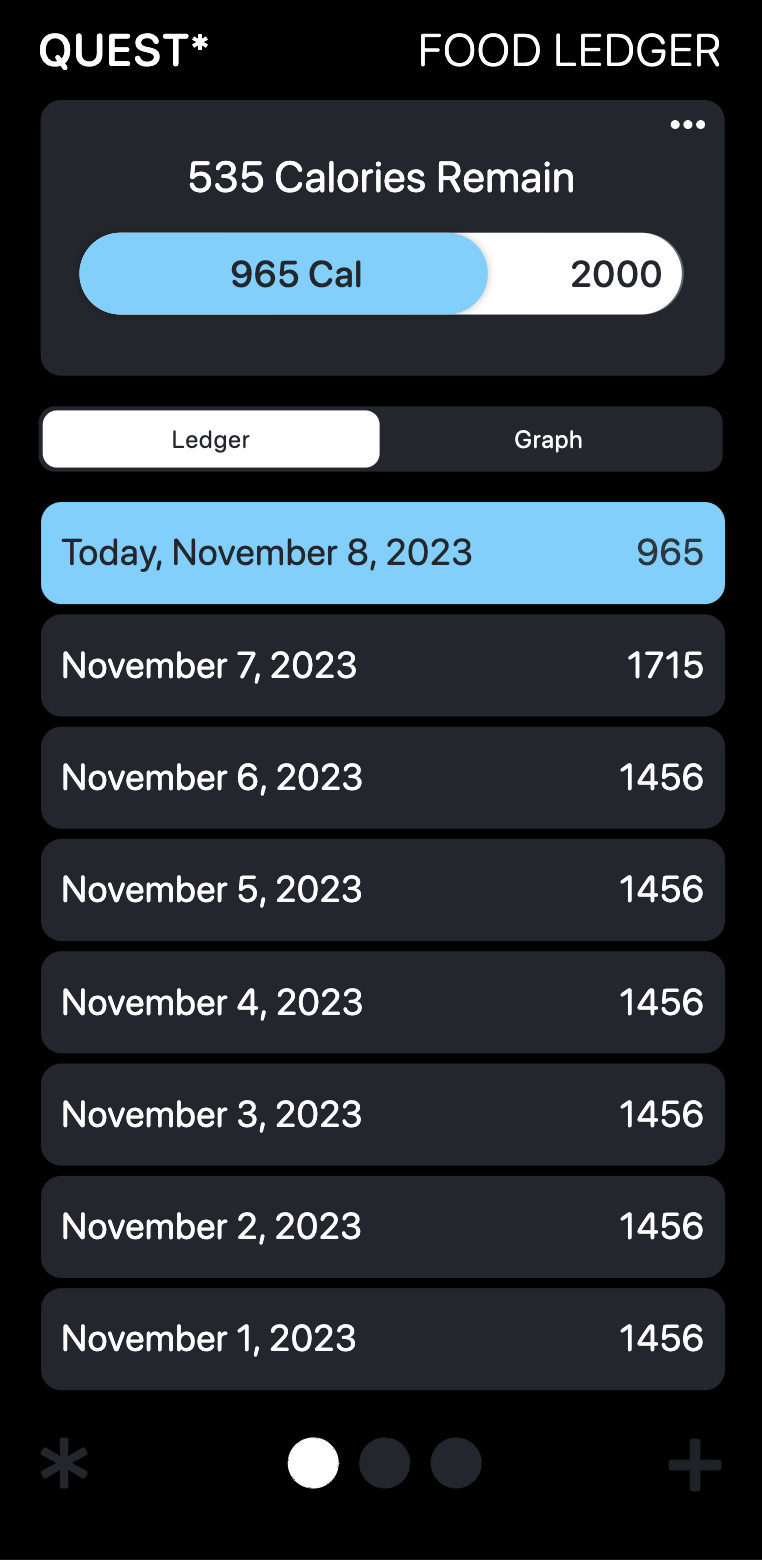
Keep a detailed log of your daily food consumption. At the top of this section you will see how many calories are remaining for your day.

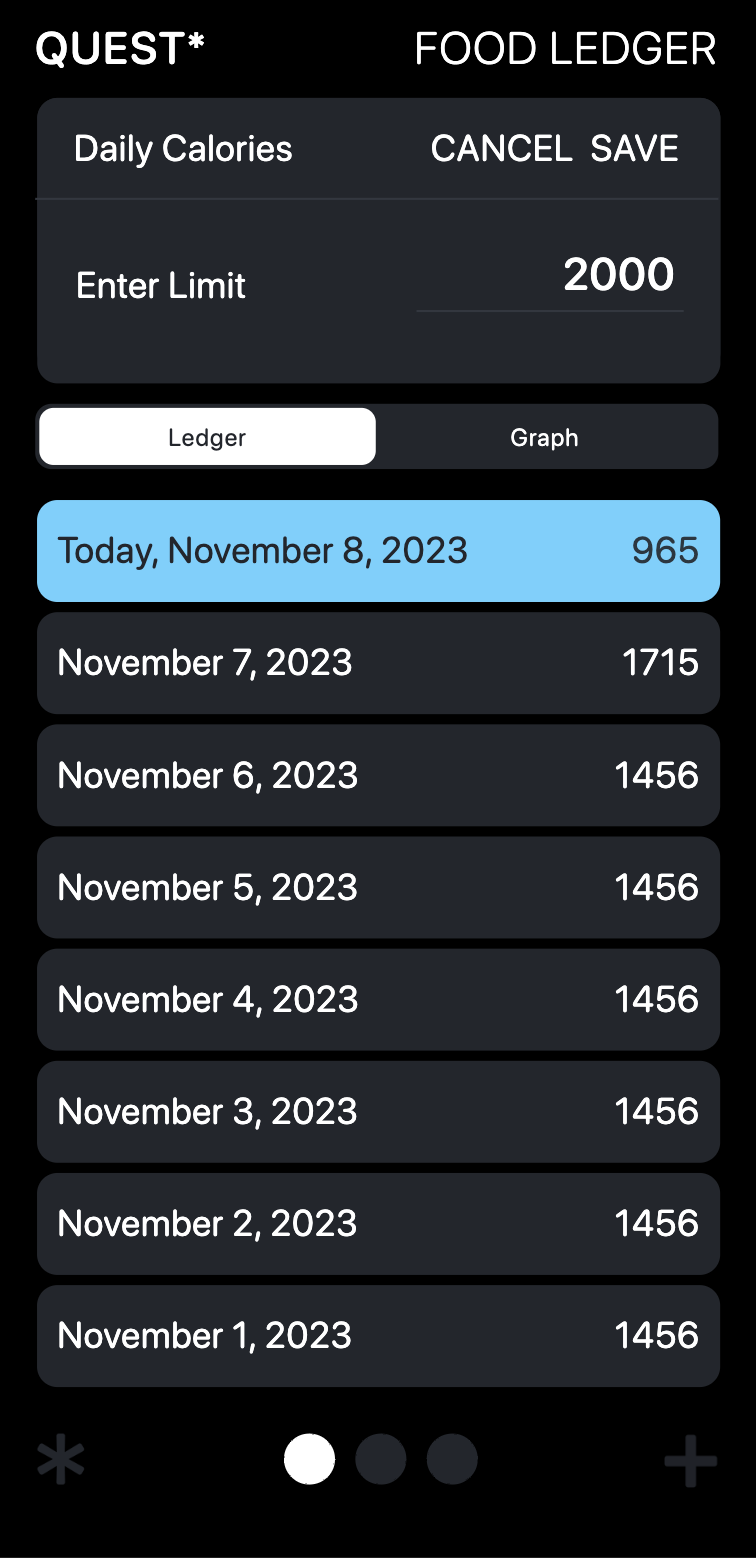
The default and recommended setting is based on a 2000 calories per day diet.
You can change the number of calories by clicking on the three dots in the upper right corner of the card.

# # # #

Graph

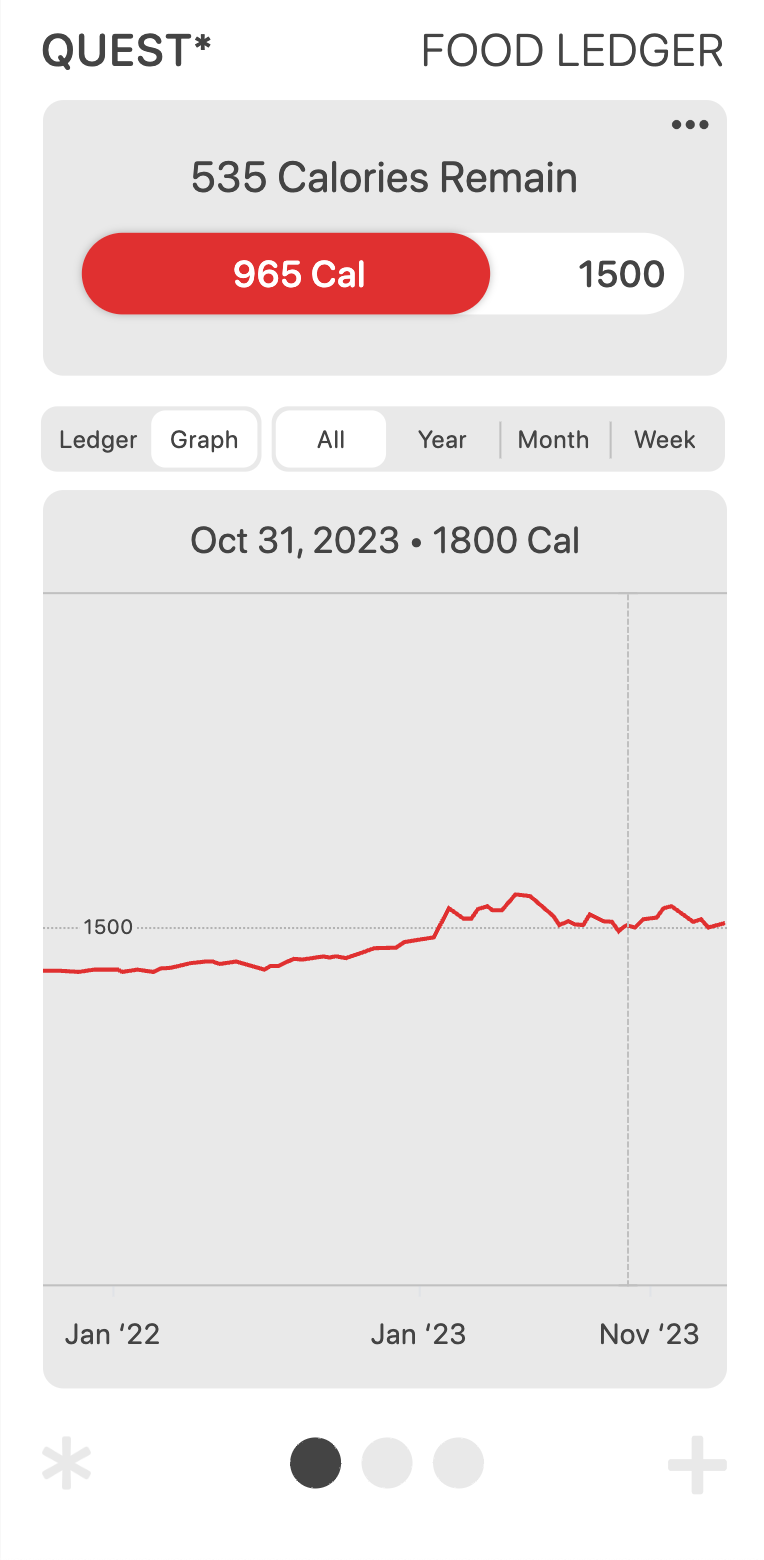
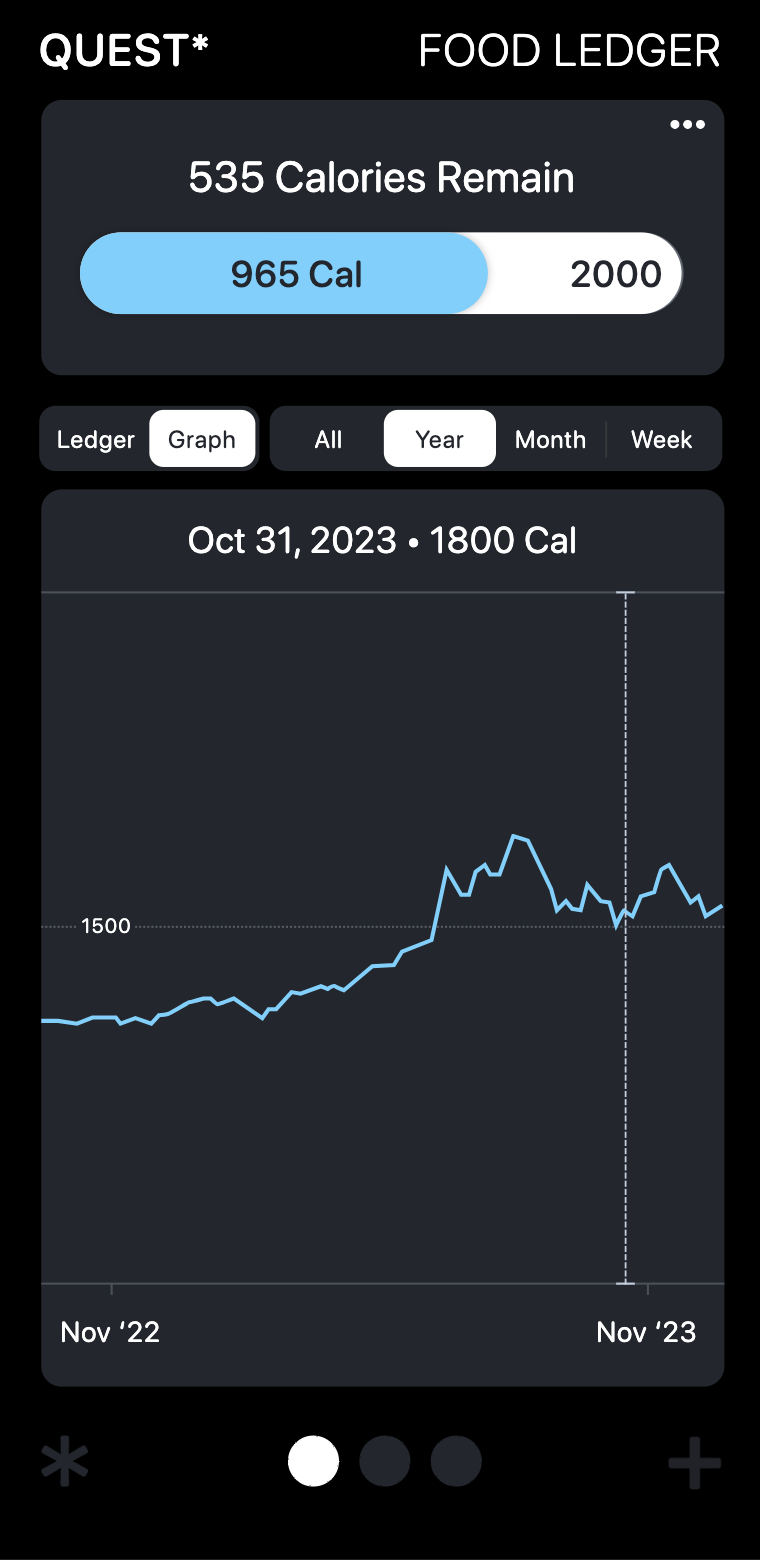
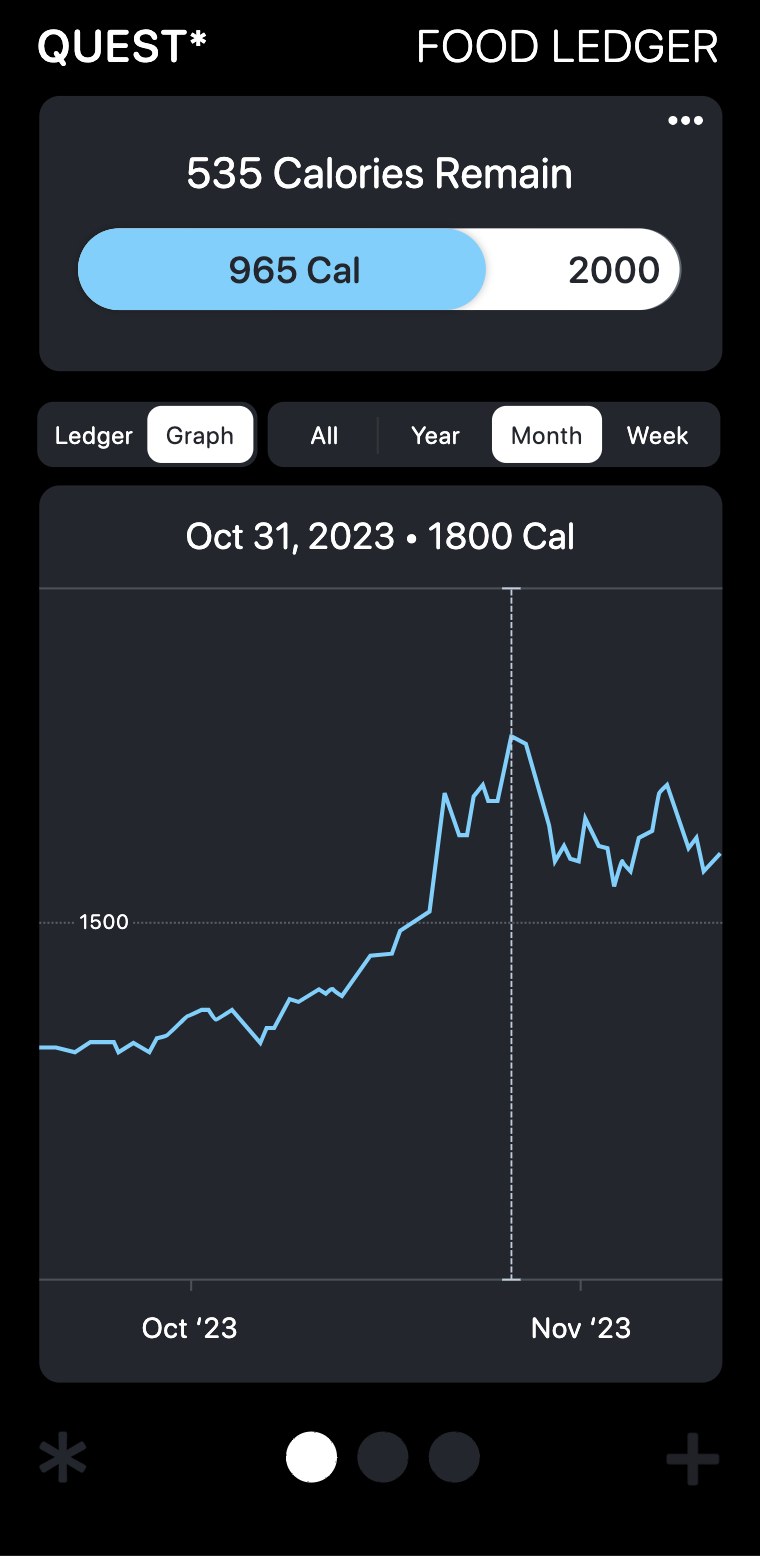
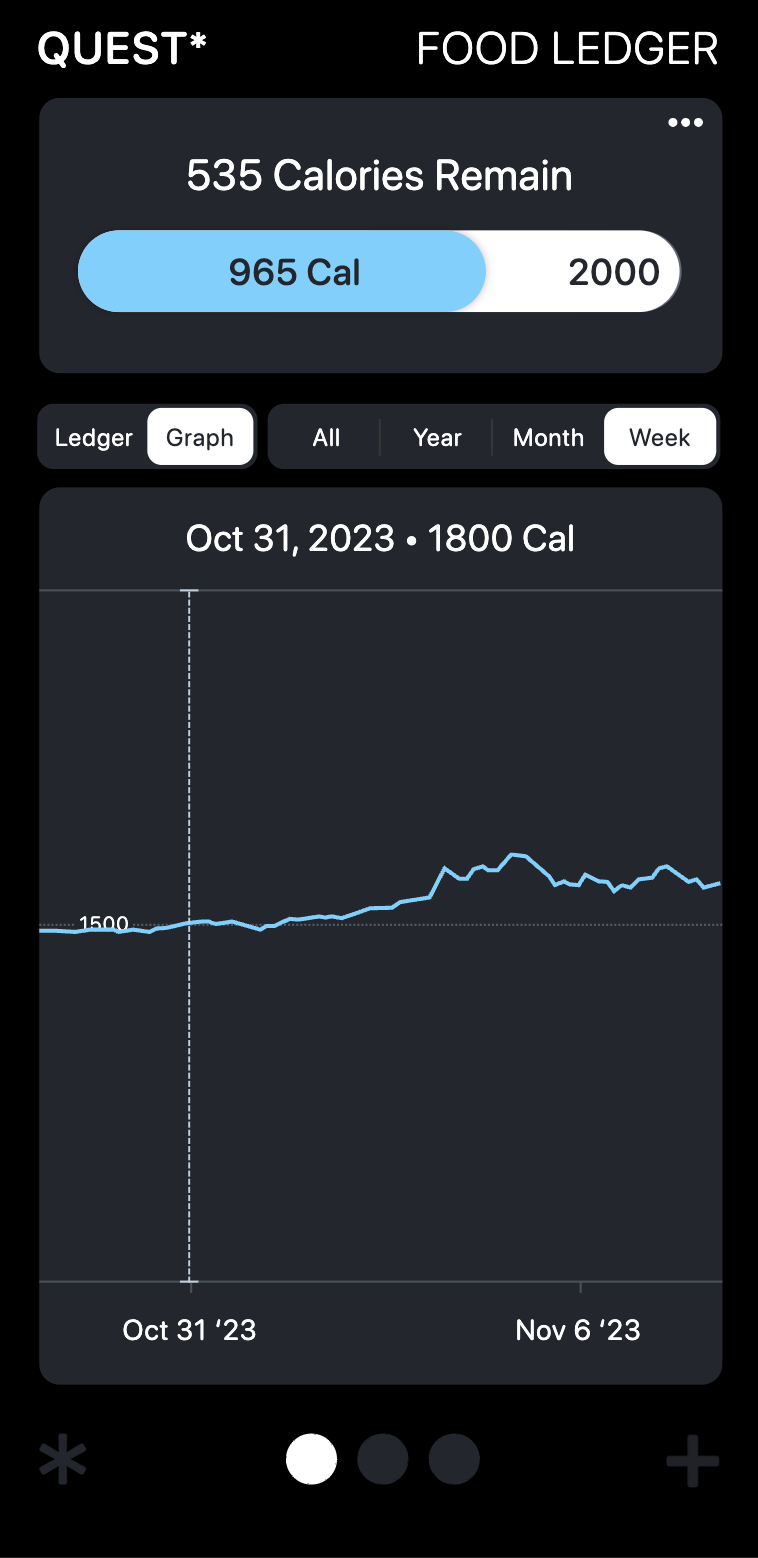
You can see all your logged foods measured on a graph over a Year, Month, Week, or All entries.

Dragging the vertical dotted line will give you readouts along the archived data.

# # # #

Ledger

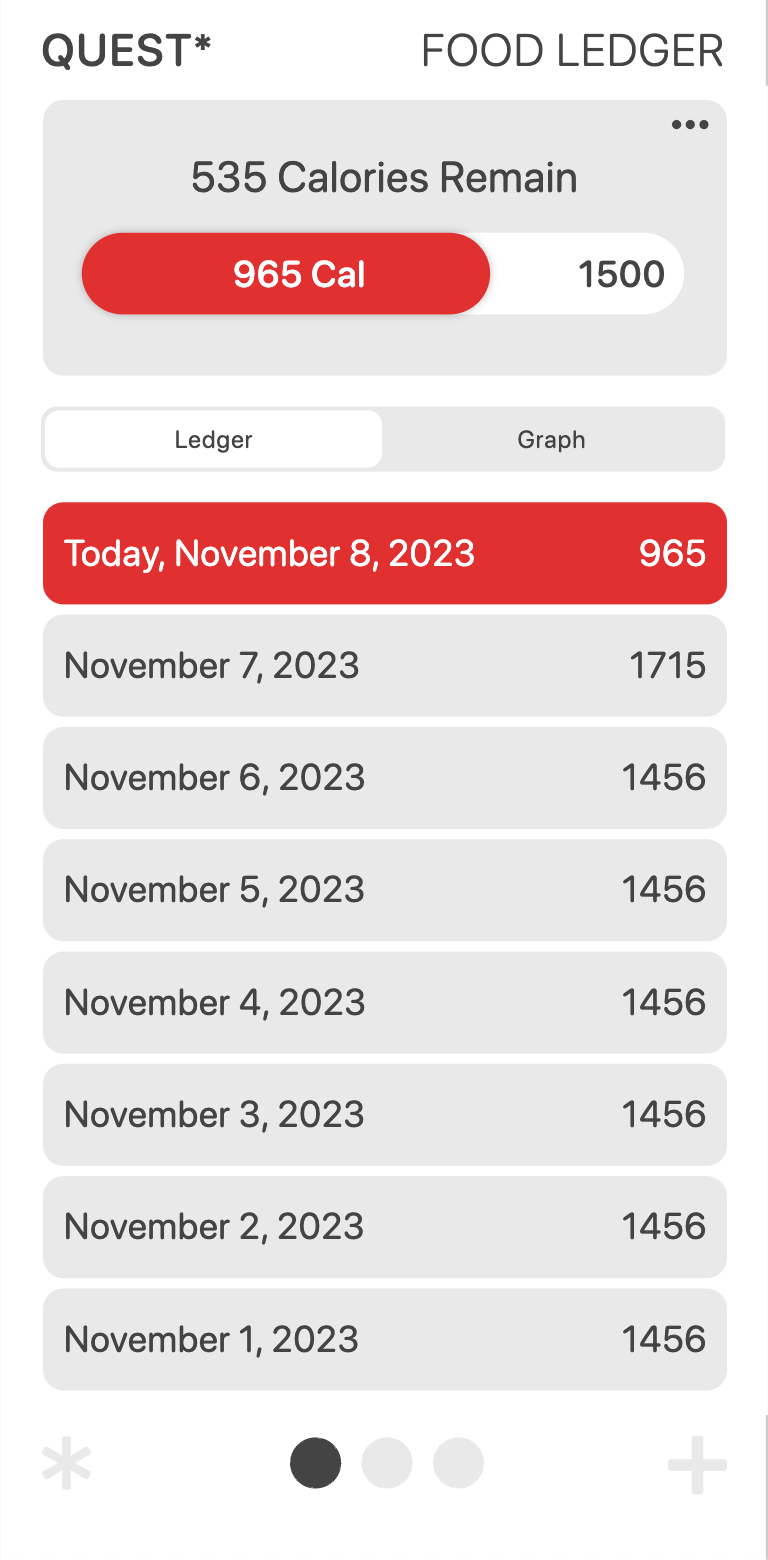
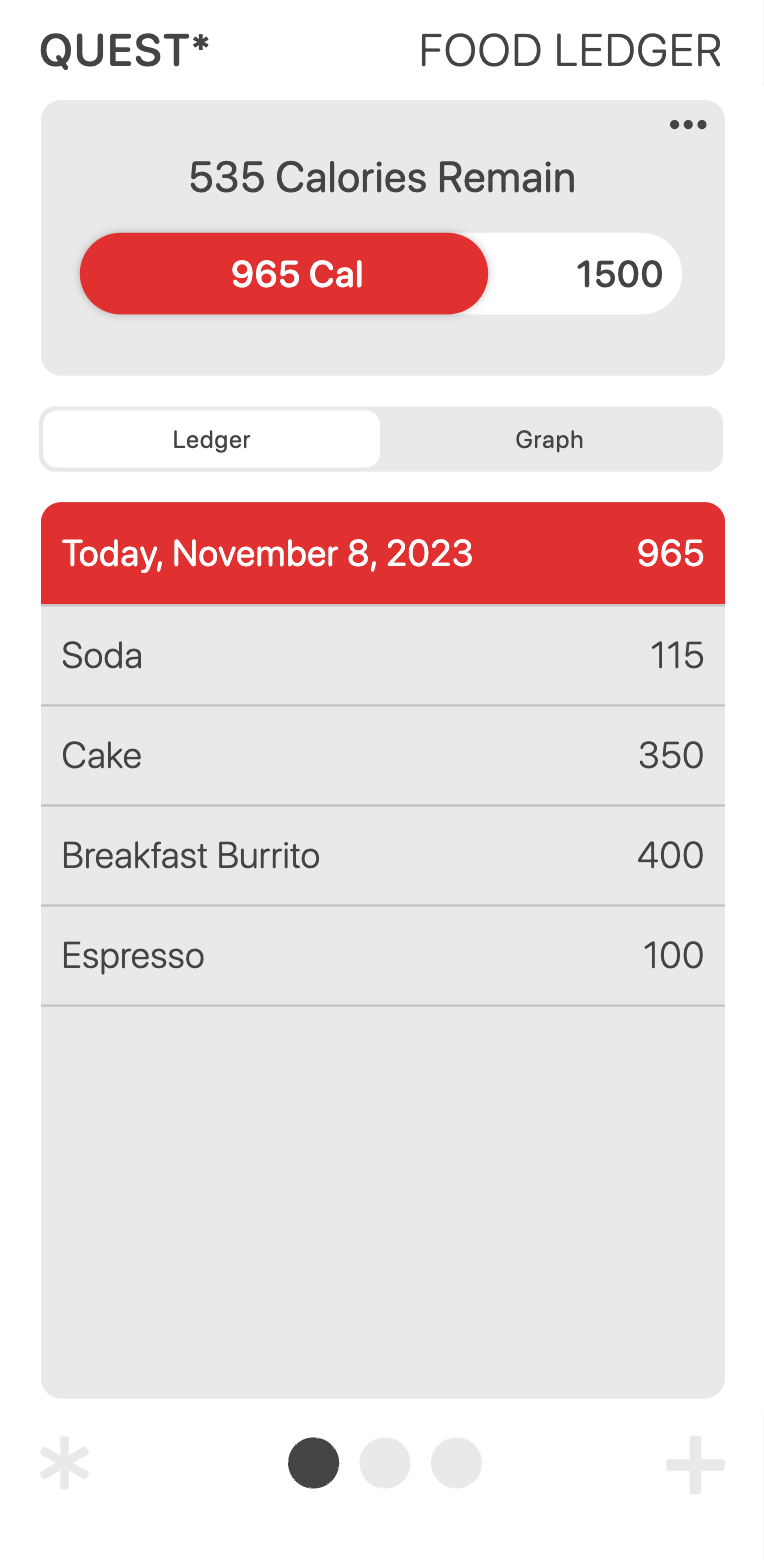
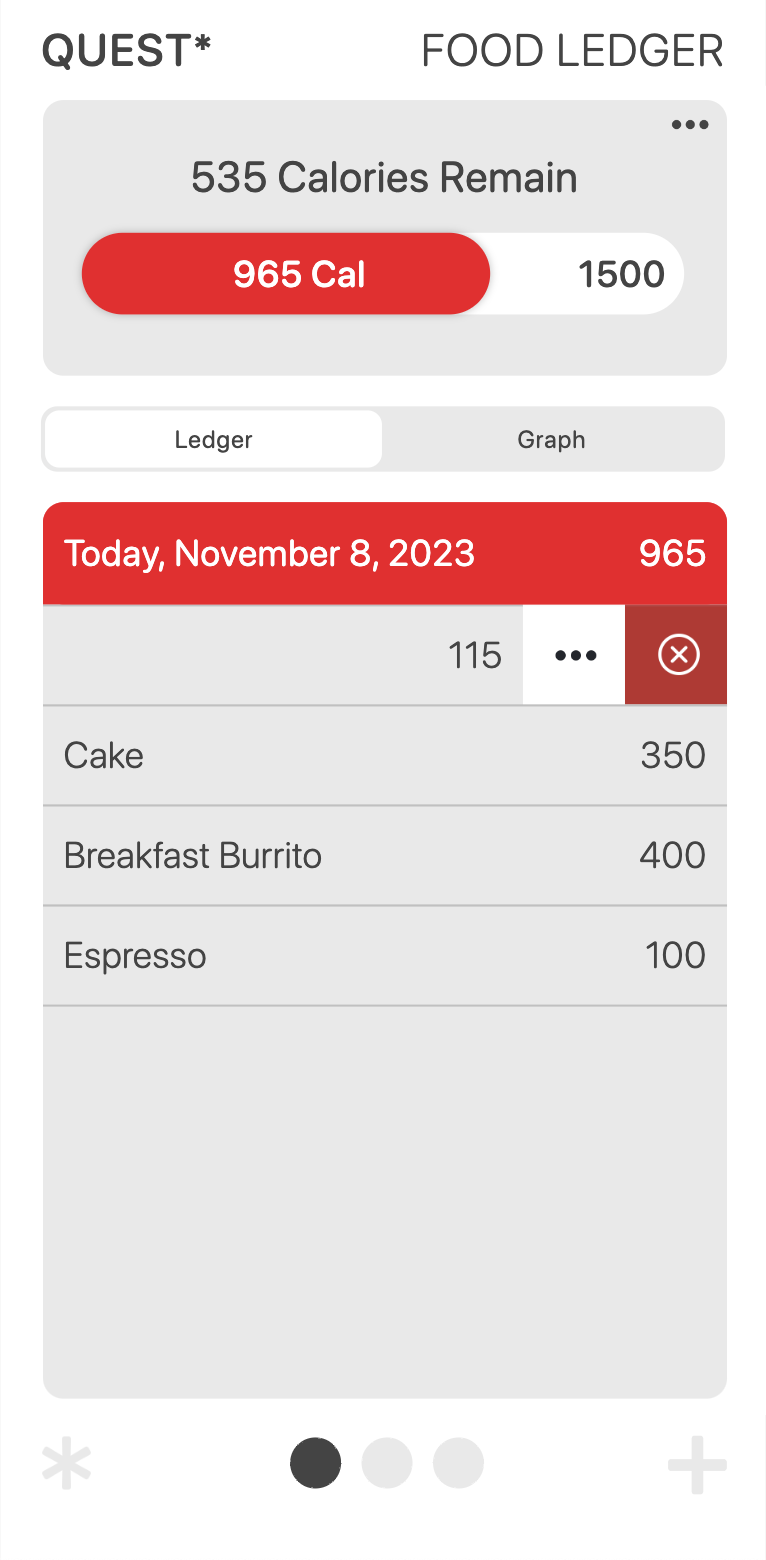
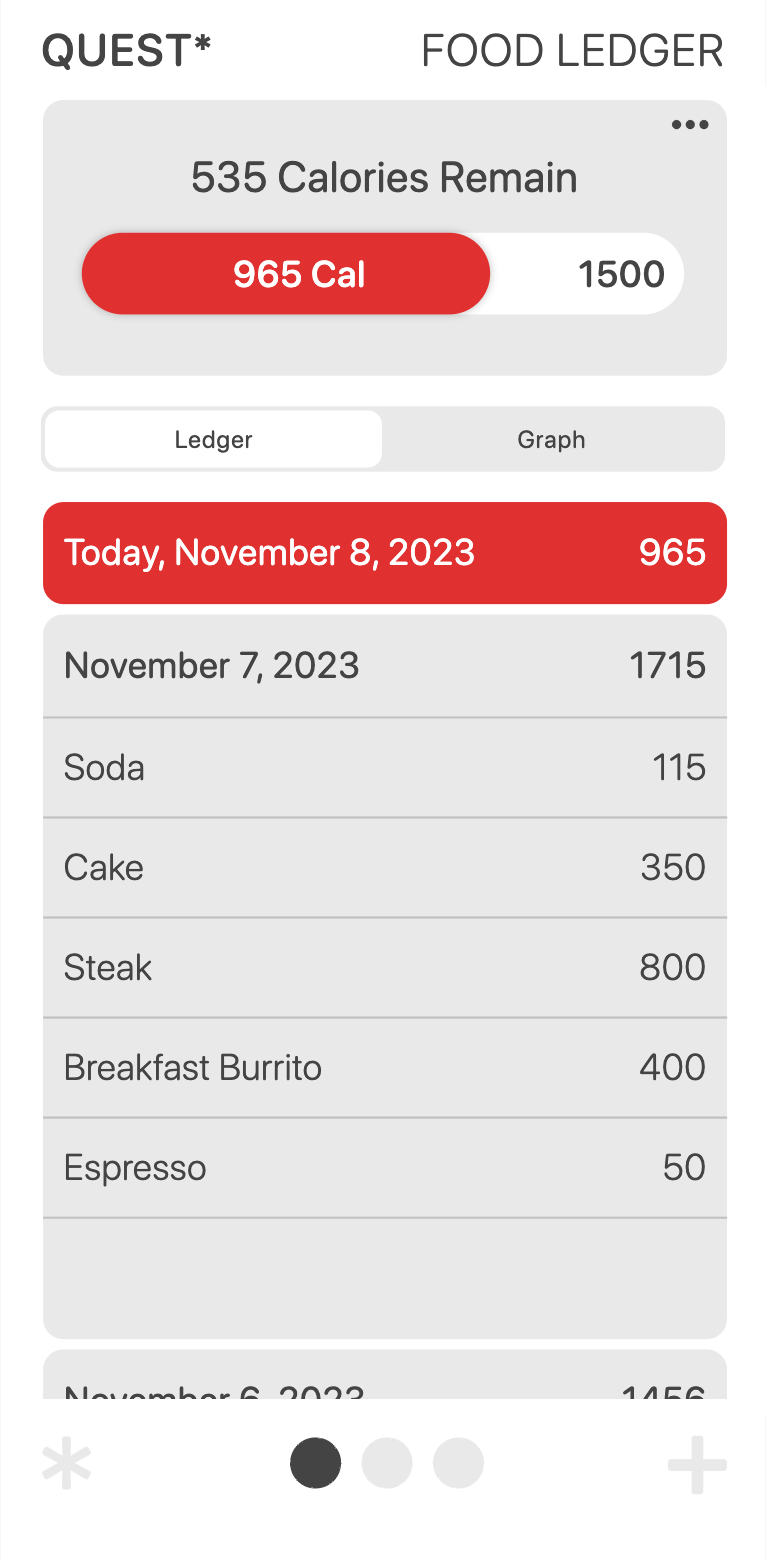
The first colored entry is the Today ledger. Here is where the foods for the day are always kept. Once the day ends, at 12:00 AM, this entry is moved one below.

You can edit and delete any entry by pressing and swiping left on an entry.

# #

Add Food

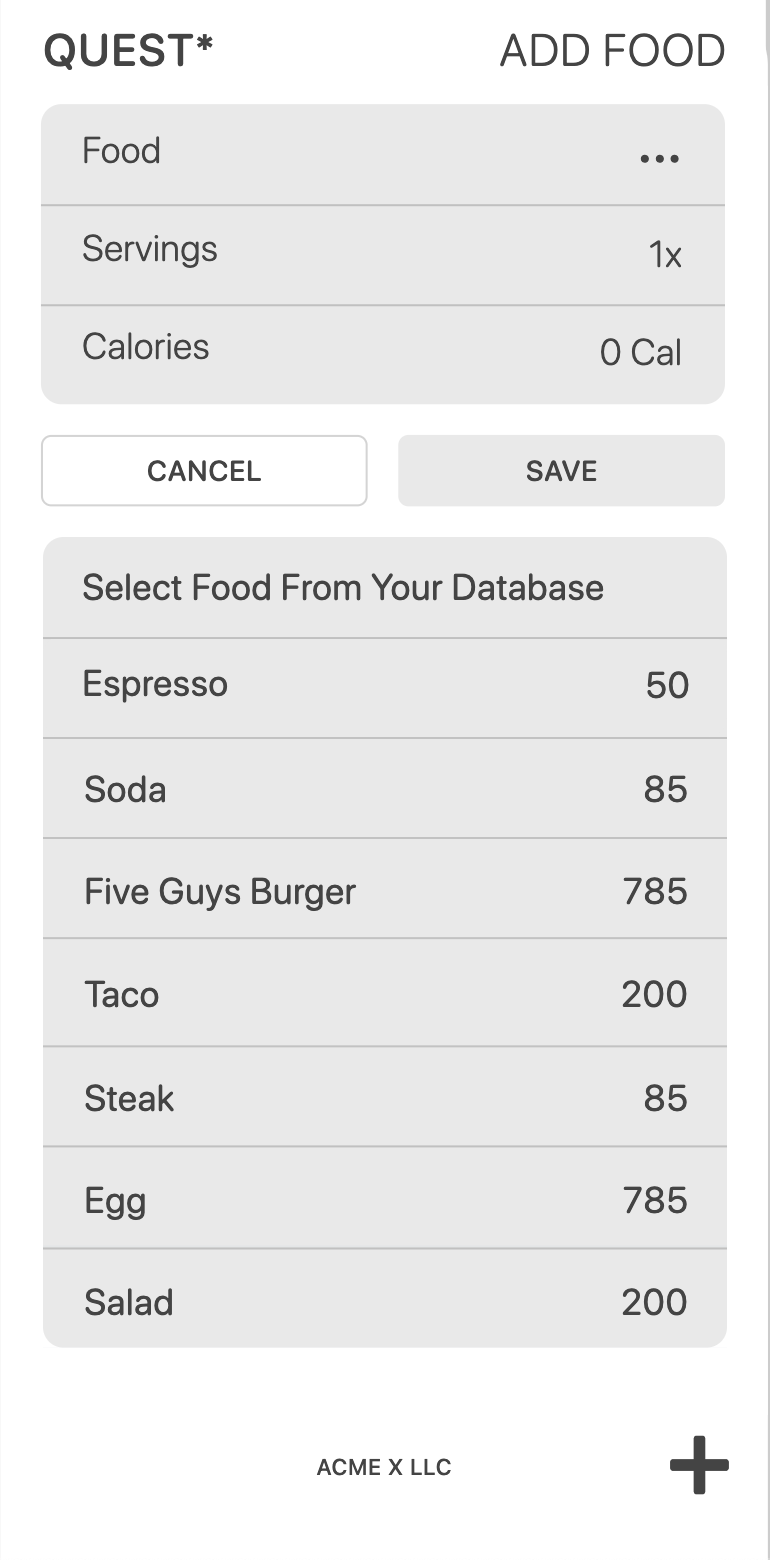
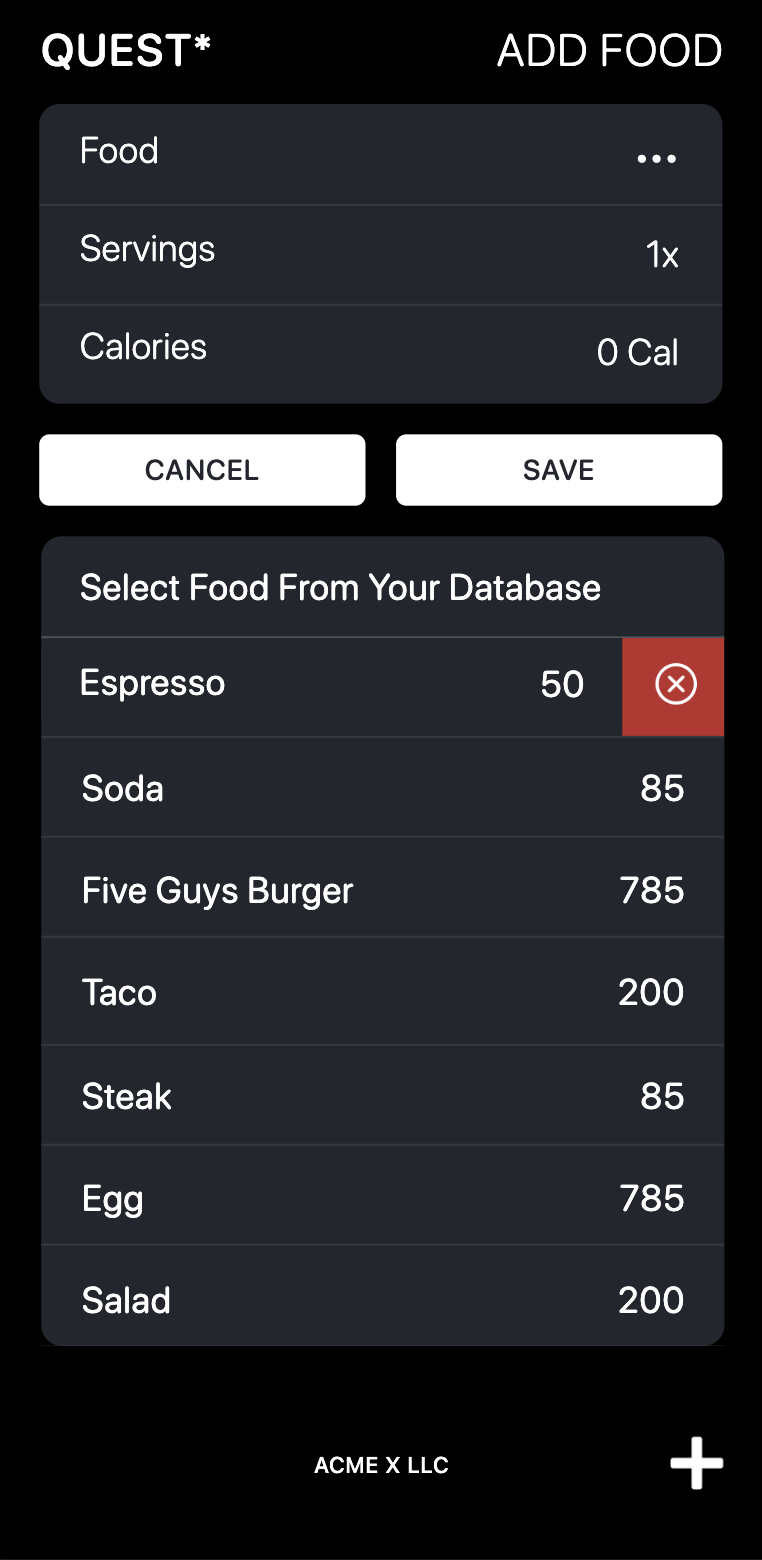
Record a food entry by tapping the “Plus” icon in the lower right of the bottom navigation bar. Input relevant details such as Food name, number of Servings, and Calories per serving. Click Save to add the entry to ledger. Clicking Save will add the Food and its Calories to the Food Database.

The Food Database is so you can select a food you have often for a quick entry. You can also delete a food entry by pressing and swiping left.

Weight Ledger Features

# #

Goal Weight

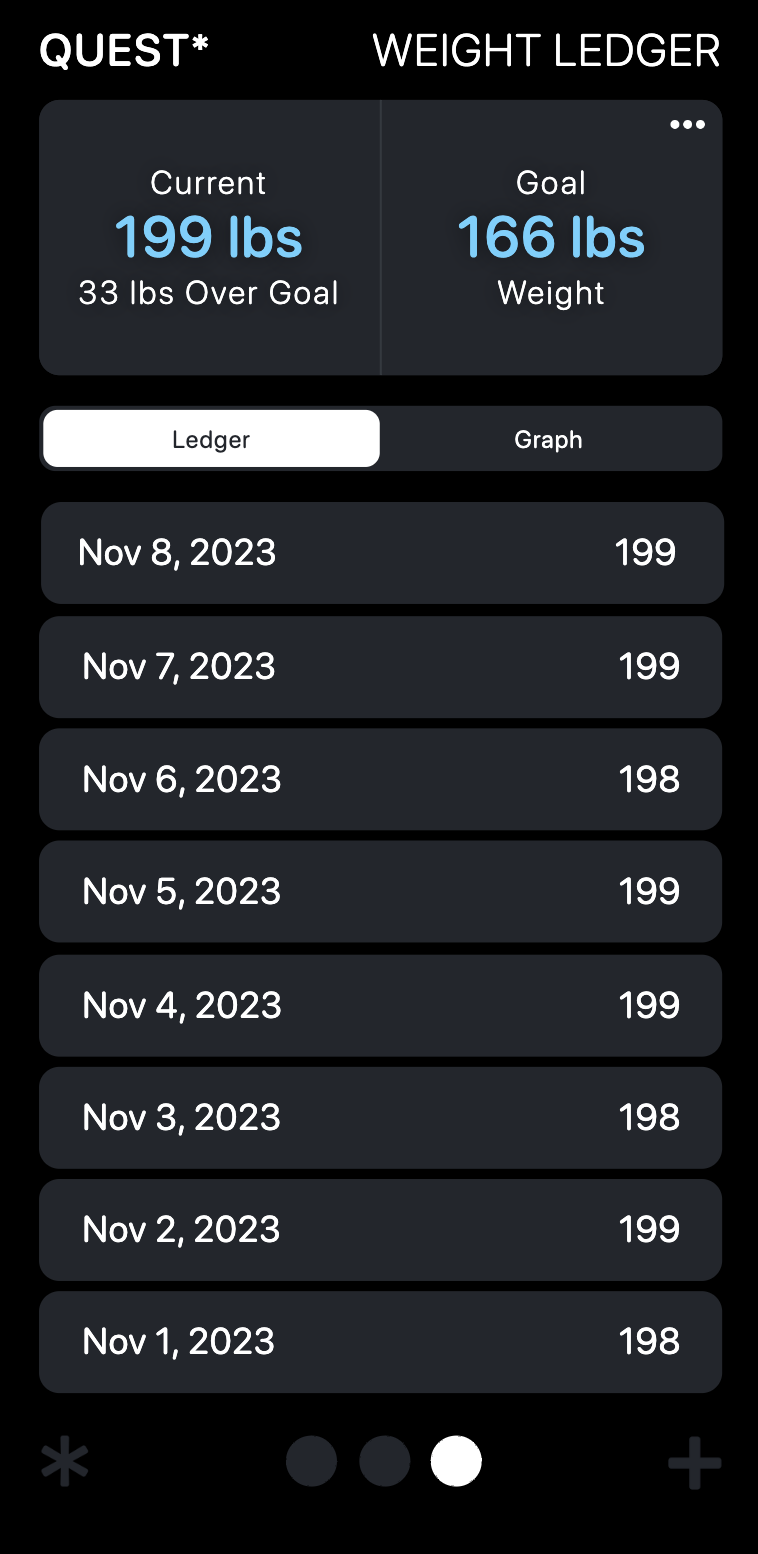
Monitor your weight changes over time. The Weight Ledger operates the same as the Food Ledger.

Your latest weight entry will always be listed in the Current Weight window, and will tell you the distance to your Goal Weight.

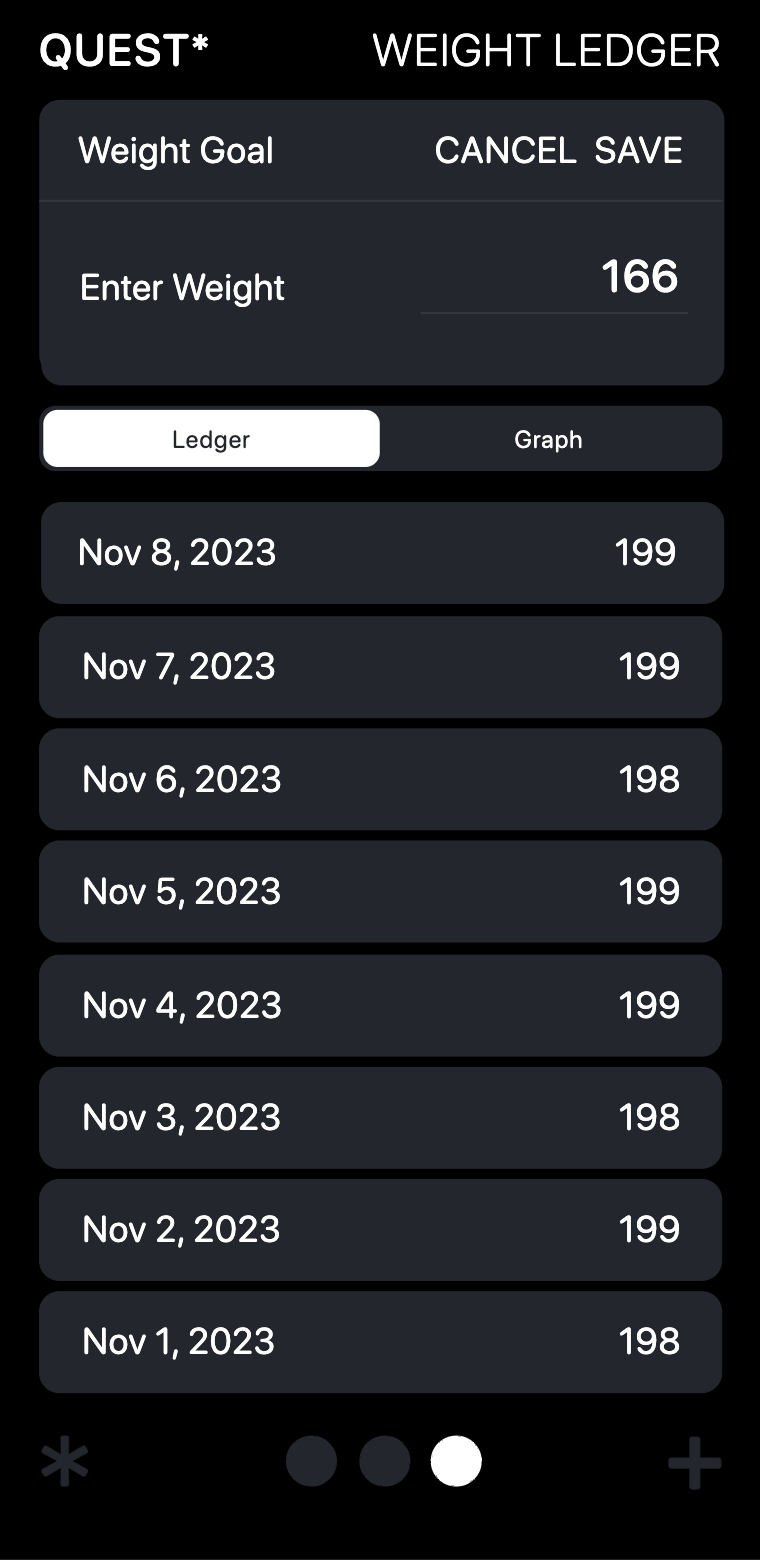
Set or edit a goal weight by clicking on the three dots in the upper right.

# # # #

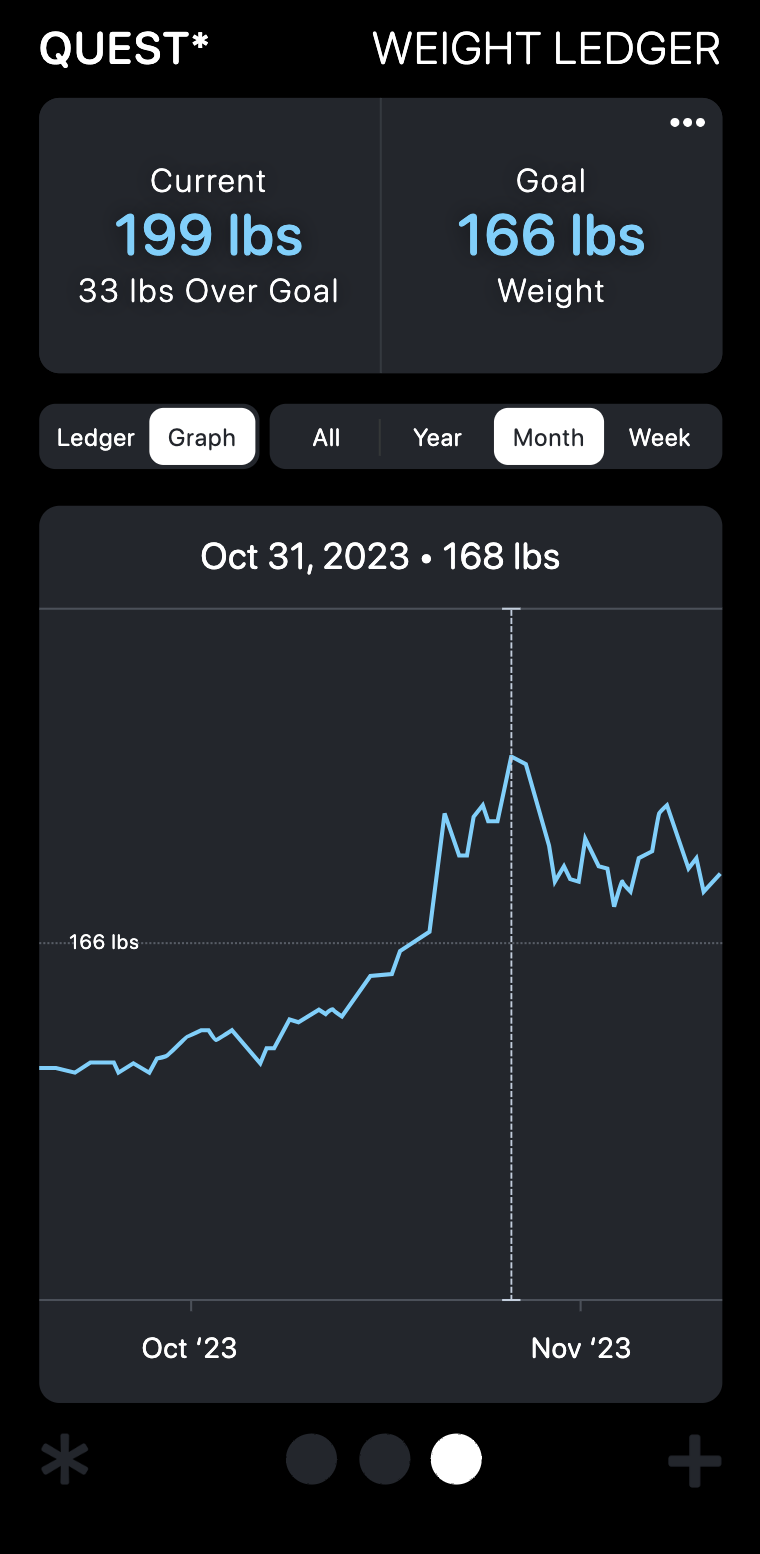
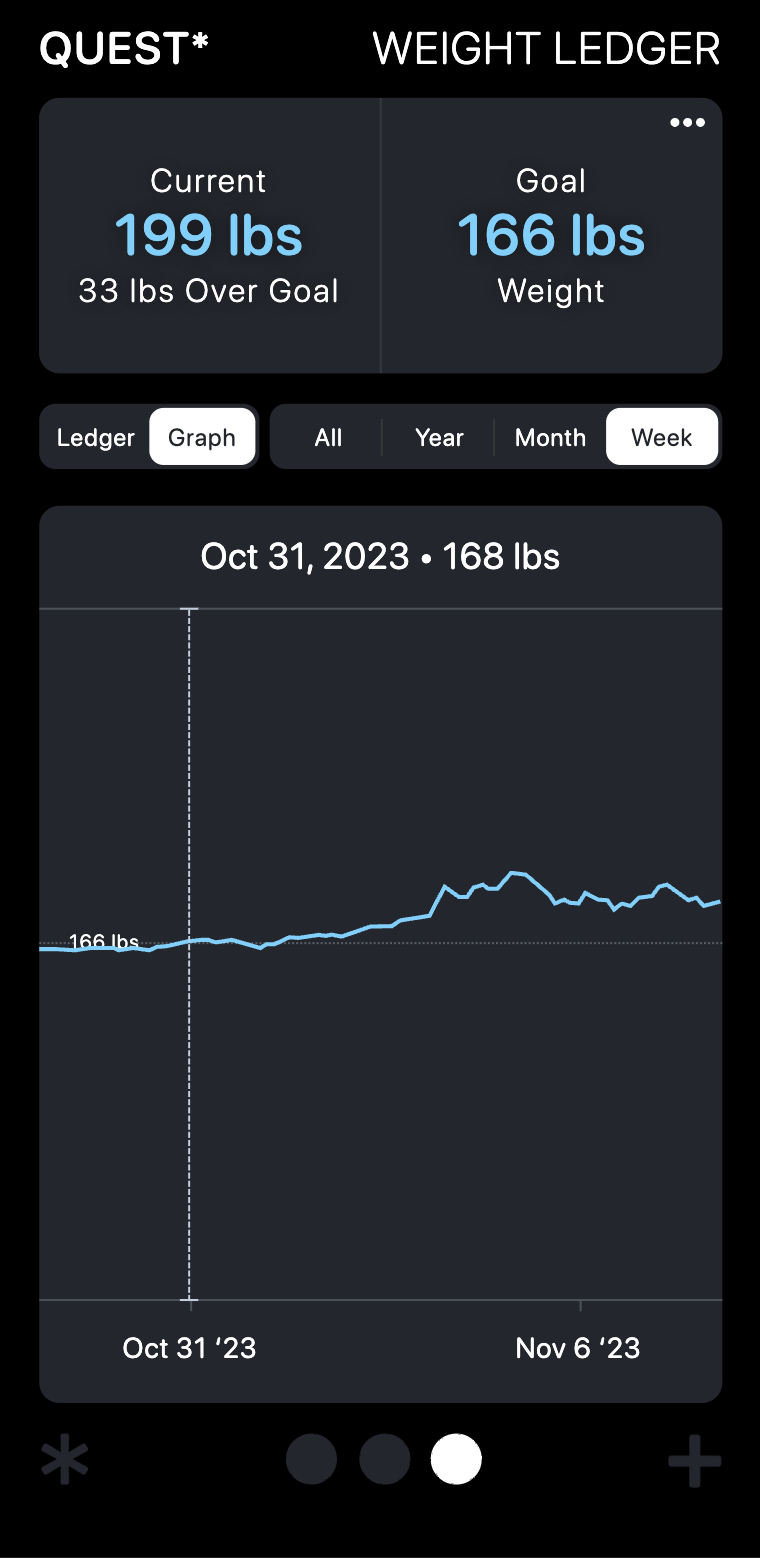
Graph

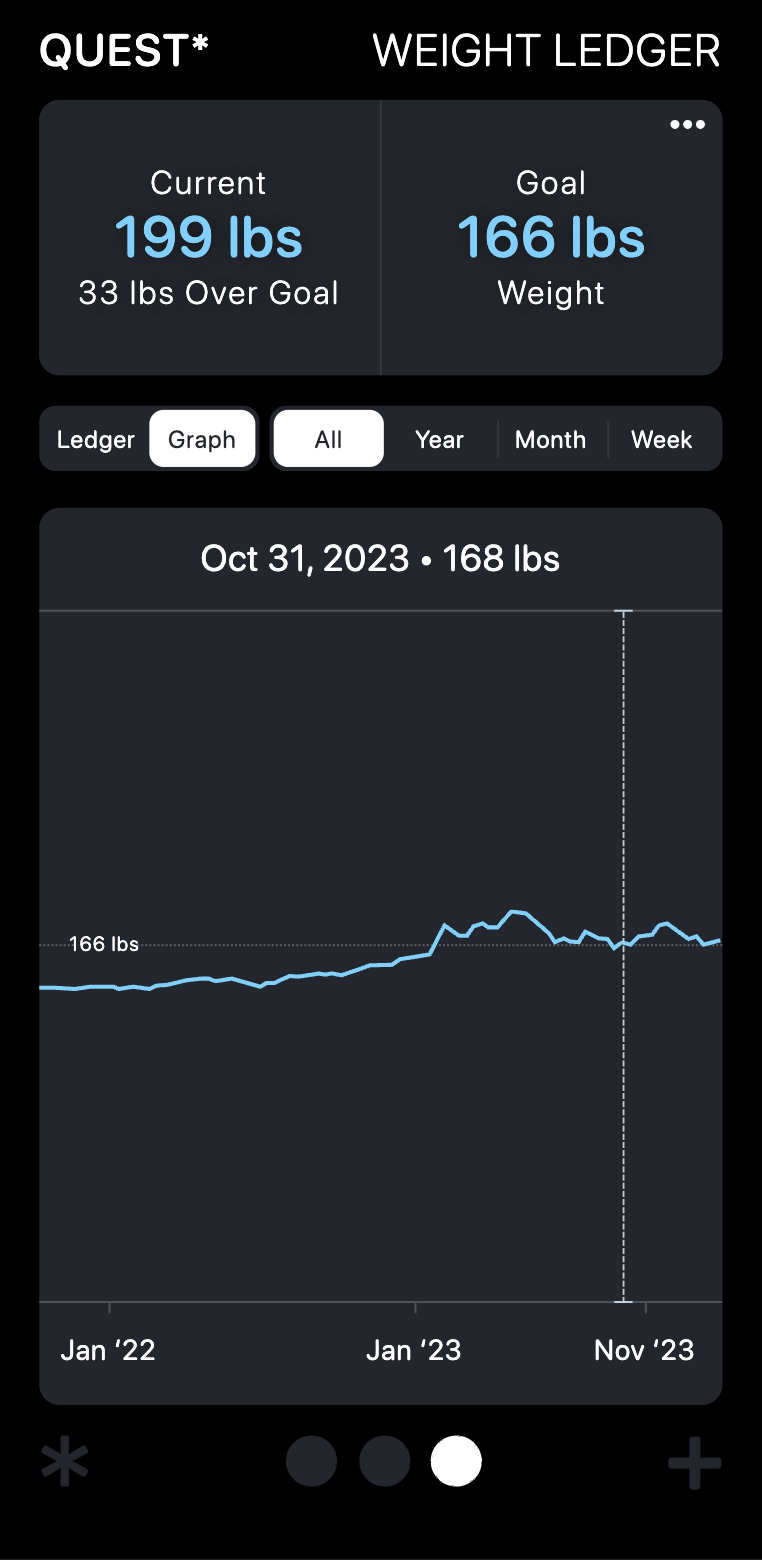
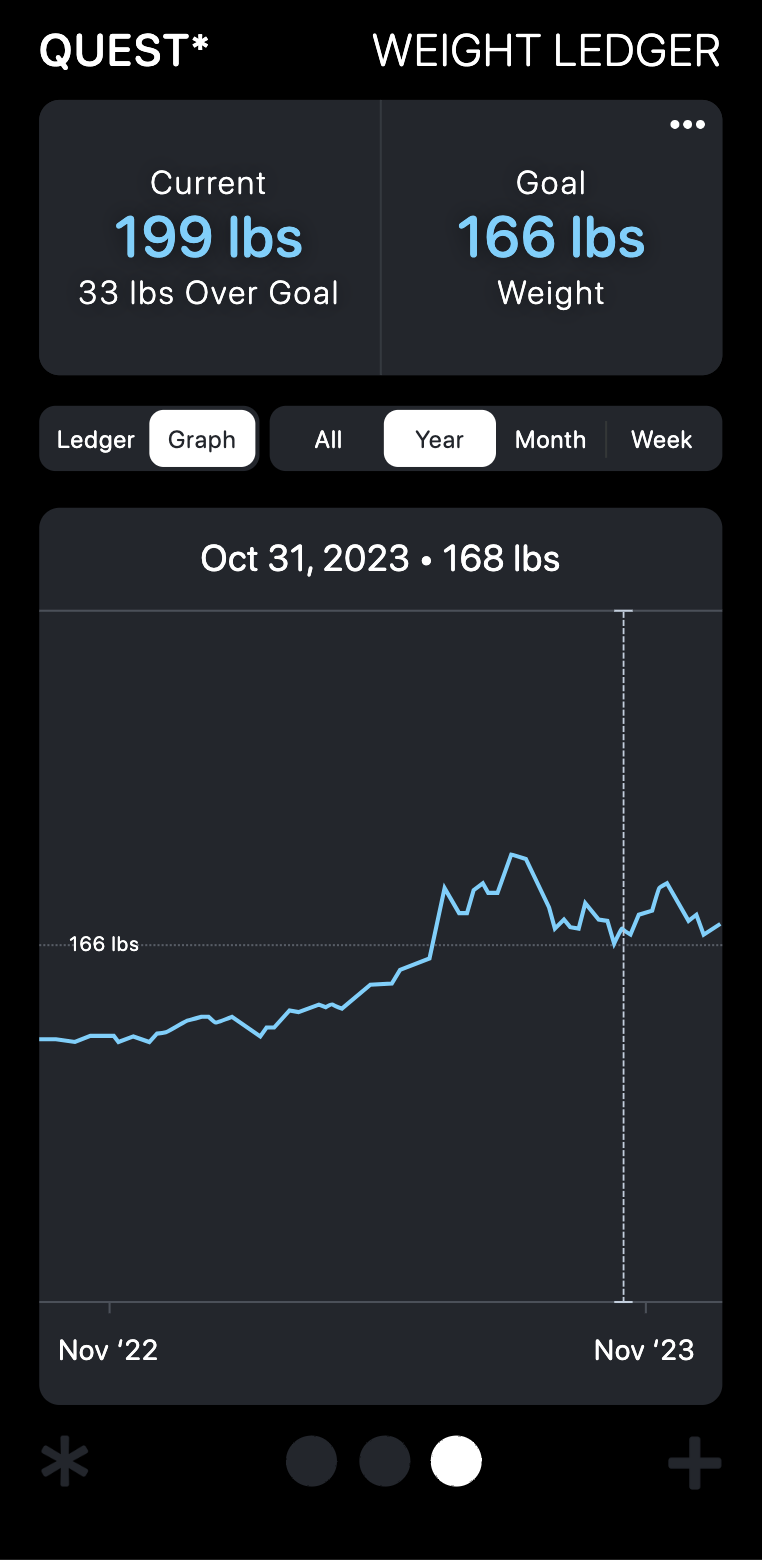
You can ee all your weights recorded on a graph over a Year, Month, Week, or All entries.

Dragging the vertical dotted line will give you readouts along the archived data.

# # # #

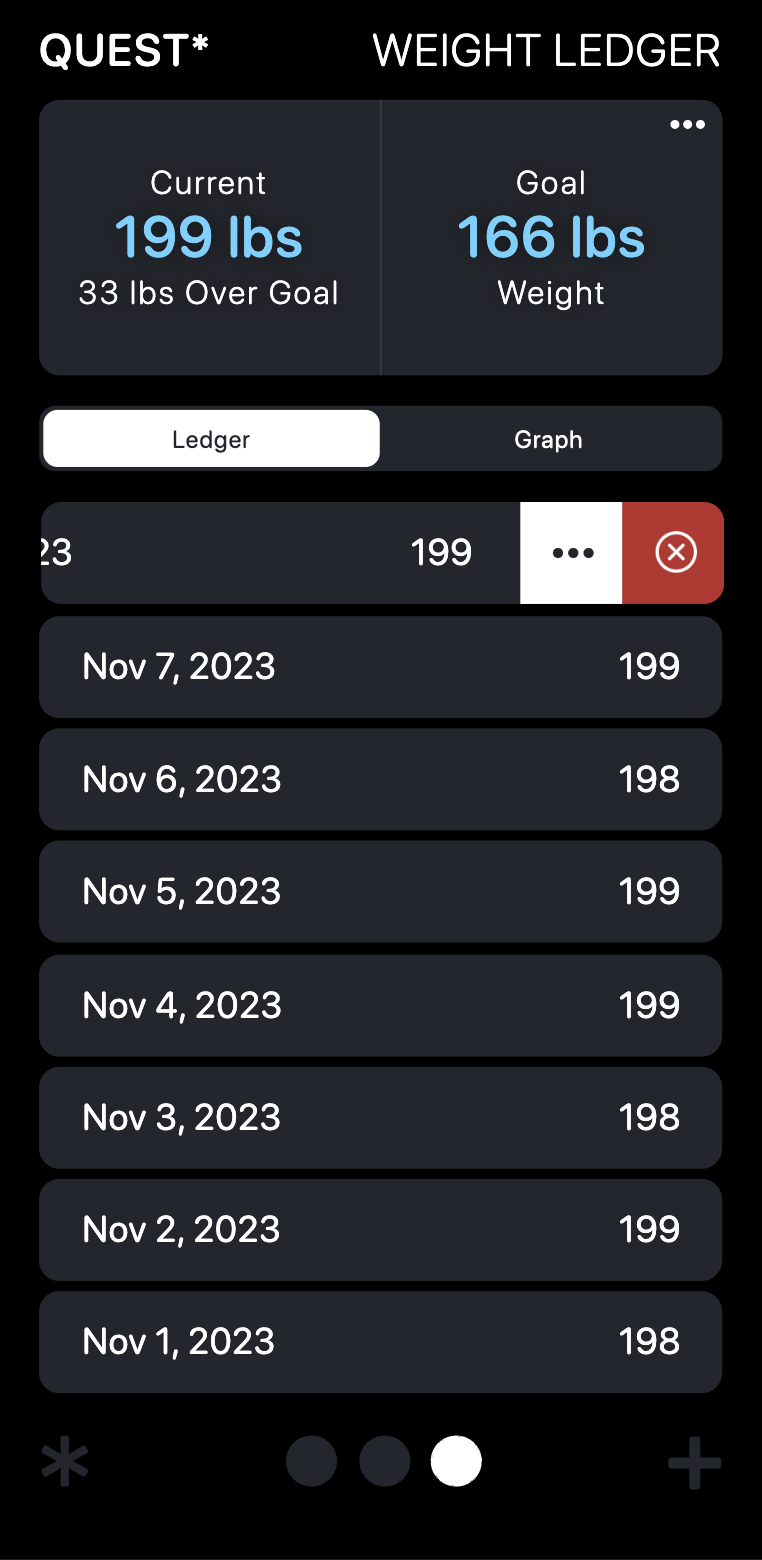
Ledger

The Weight Ledger contains an archive of all your recorded weights.

They are recorded into dropdown months, and you can edit or delete any single entry by slidding left on that entry.

# #

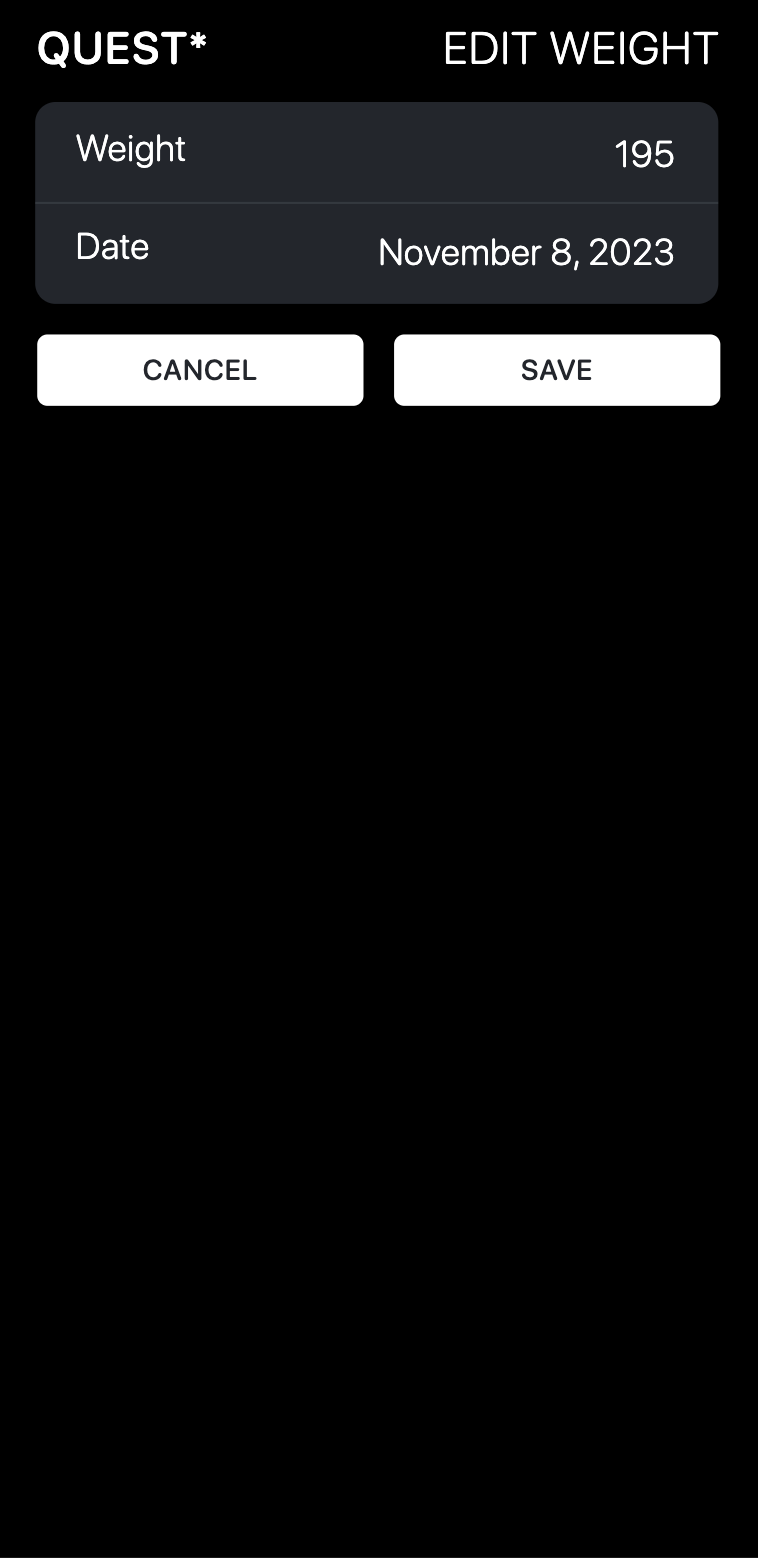
Add Weight

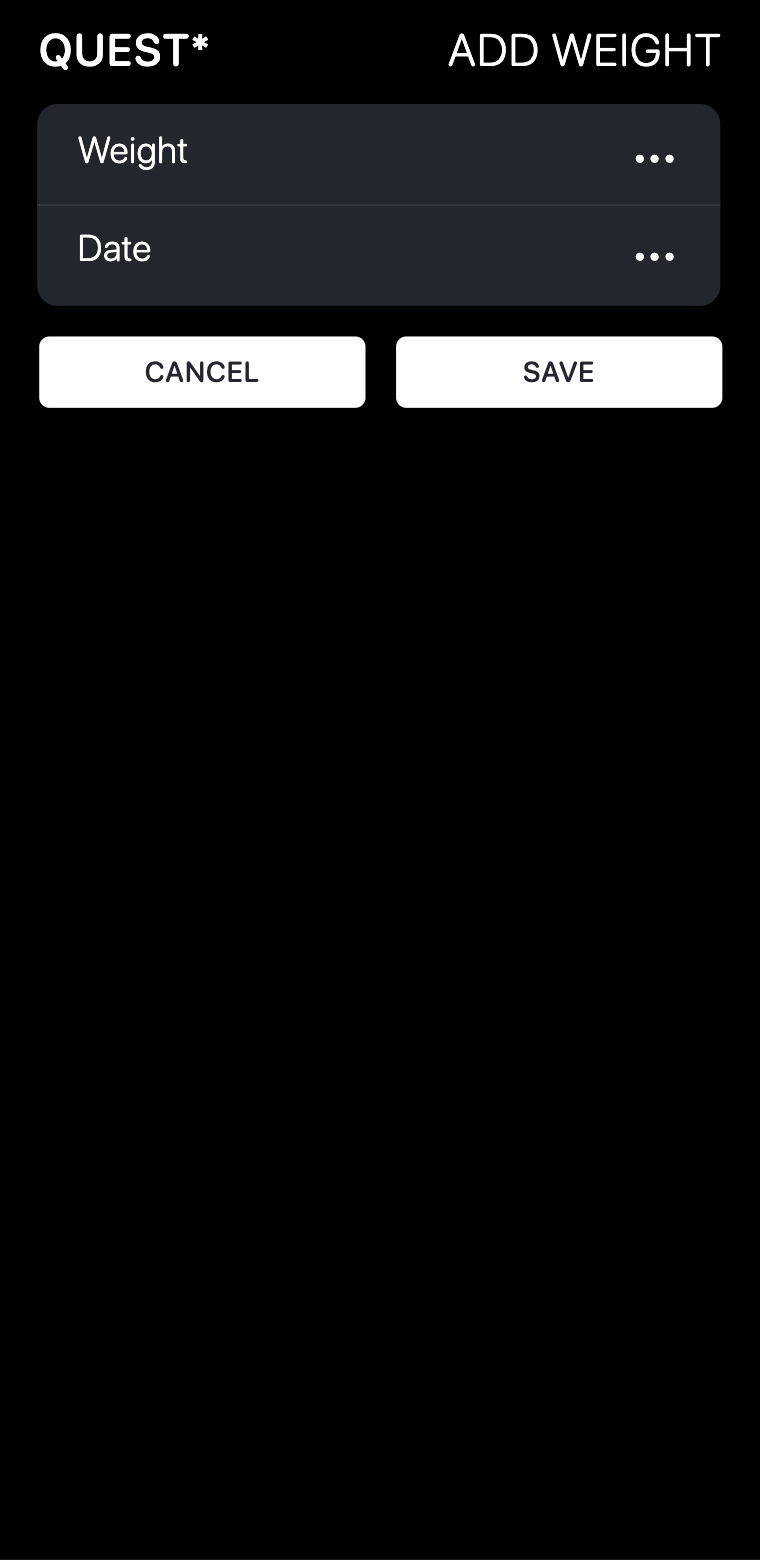
Record your weight by tapping the “Plus” icon in the lower right of the bottom navigation bar. Enter your current weight and the date to add it to the ledger. Save the entry to track your progress and observe trends.

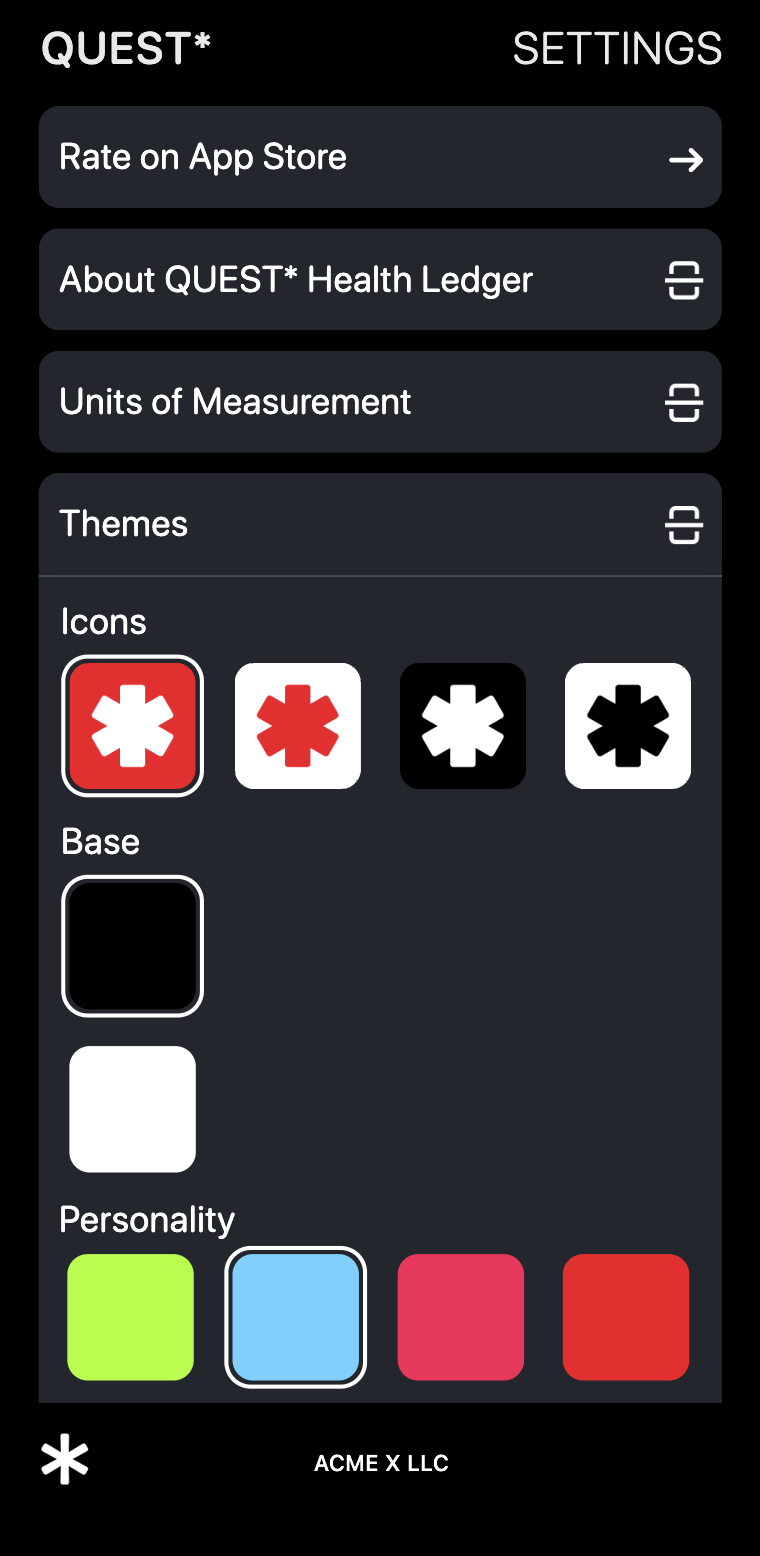
Also across the app in the lower left of the bottom navigation bar is the "QUEST Asterisk" which opens up the settings.

#

QUEST* Pricing

One Time Purchase or Subscribe

We have an option made for you, and they all come with a free 7 day trial.

$24.99 Buy Now

$19.99 Yearly Subscription

$2.99 Monthly Subscription